

Deploy a template
Browse templates
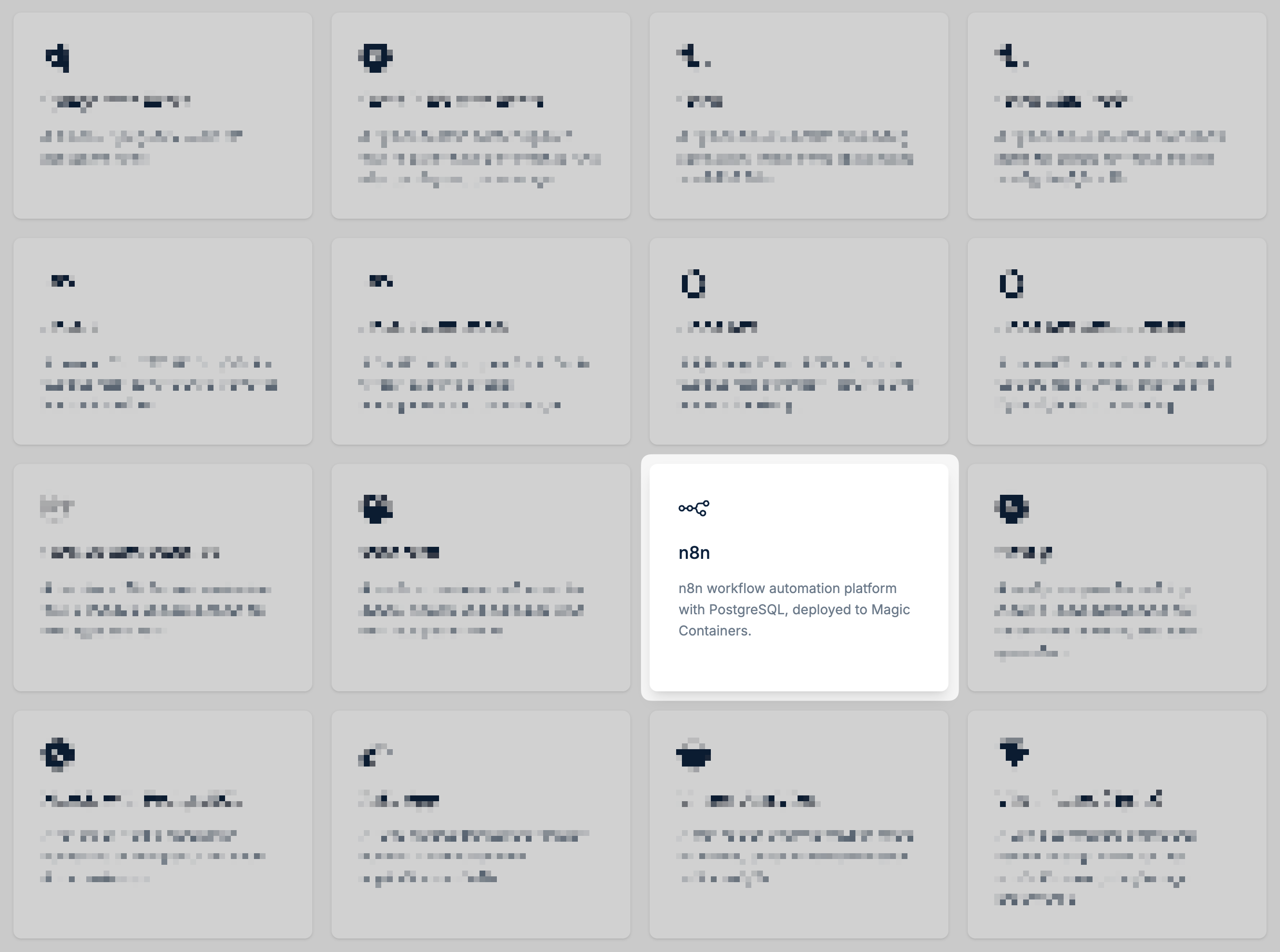
In the bunny.net dashboard, go to Magic Containers and select Templates. The following templates are available:Frameworks
Apps
| Template | Description |
|---|---|
| Django with Redis | A minimal Django key-value API backed by Redis |
| FastAPI KV with Redis | A Python FastAPI backend paired with Redis for high-performance APIs with caching and data storage |
| Flask | A Python Flask template for building lightweight, flexible web applications and REST APIs |
| Flask with Redis | A Python Flask backend paired with Redis for simple key-value storage and lightweight APIs |
| Go API | A minimal Go HTTP API template for building high-performance, compiled backend services |
| Go API with Redis | A Go API backend paired with Redis for fast caching, session management, and data storage |
| Hono API | A lightweight Hono API template for building fast, minimal HTTP APIs with modern JavaScript |
| Hono API with DuckDB | A Hono API backend with embedded DuckDB for analytical queries and lightweight data processing |
| Laravel with MariaDB | A full-stack PHP Laravel application with a MariaDB database, ready for web apps and APIs |
| Next.js | A Next.js template for building modern React applications with server-side rendering and static generation |
| Next.js with PostgreSQL | A full-stack Next.js application connected to PostgreSQL for data-driven web apps |
| Rails App | A Ruby on Rails template for rapidly building full-featured web applications and APIs |
| Vite + React (Nginx) | A Vite-powered React frontend served through Nginx for fast, production-ready single-page applications |
| Template | Description |
|---|---|
| Minecraft | A ready-to-run Minecraft server for quickly hosting and managing your own multiplayer world |
| n8n | n8n workflow automation platform with PostgreSQL |
| Umami Analytics | A self-hosted Umami analytics setup for simple, privacy-focused website visitor insights |
| WordPress | A self-hosted WordPress CMS with MariaDB |
Configure environment variables (optional)
Some templates include configurable environment variables, such as database usernames and passwords. Update these values as needed before deploying.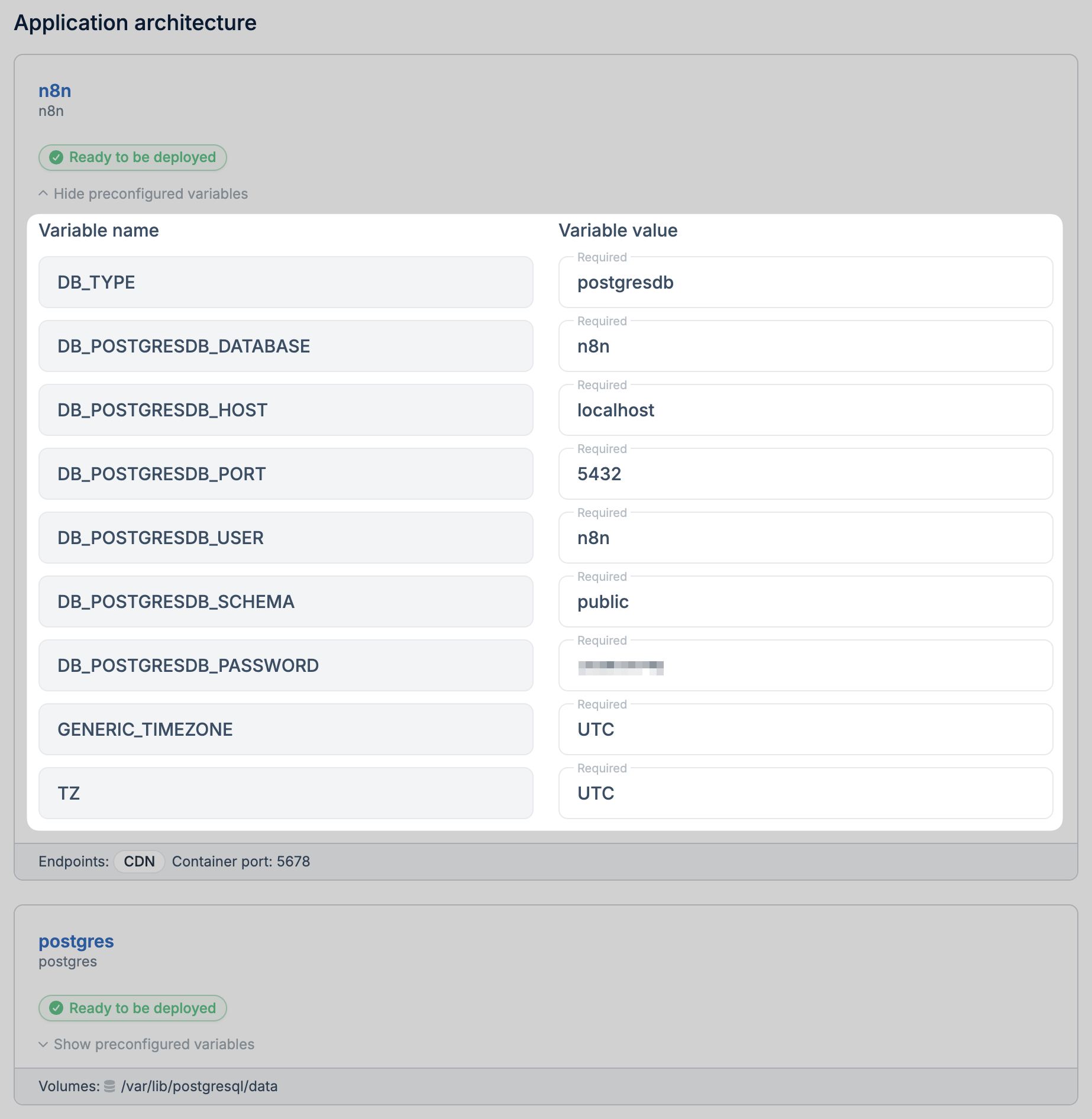
Eject to GitHub
Templates that include application code and a sidecar database can be ejected to GitHub, giving you full control over the source code.Configure an image registry
After ejecting, configure an image registry so Magic Containers can fetch your container images from GitHub.