Automatic detection
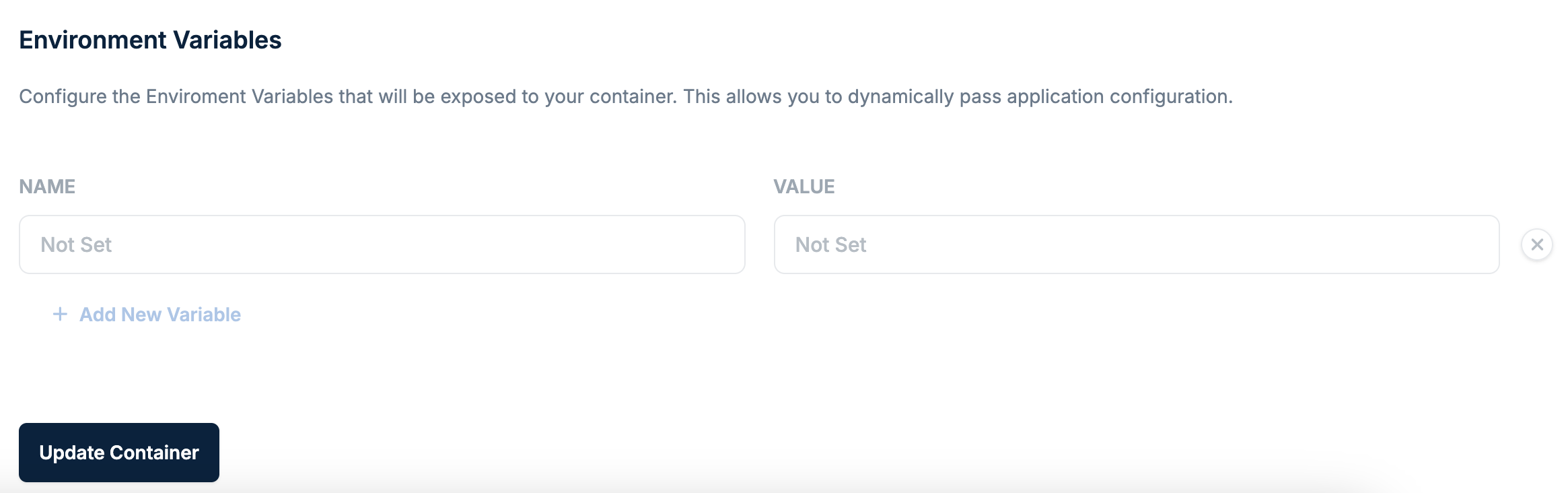
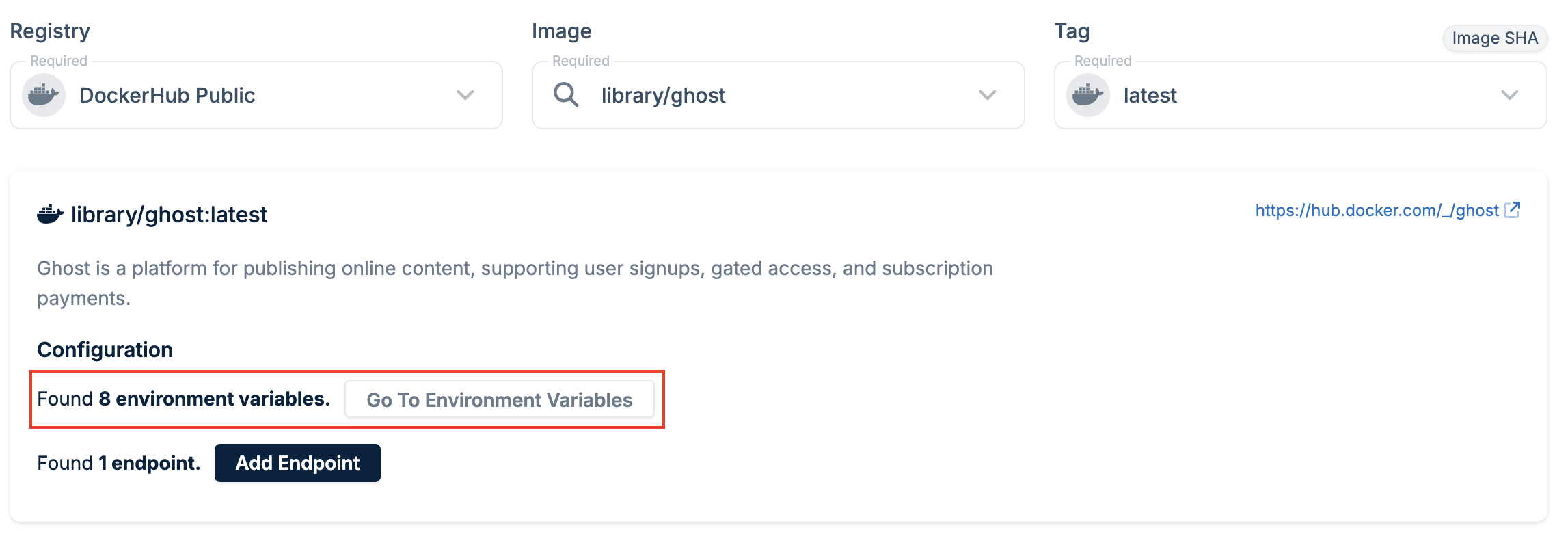
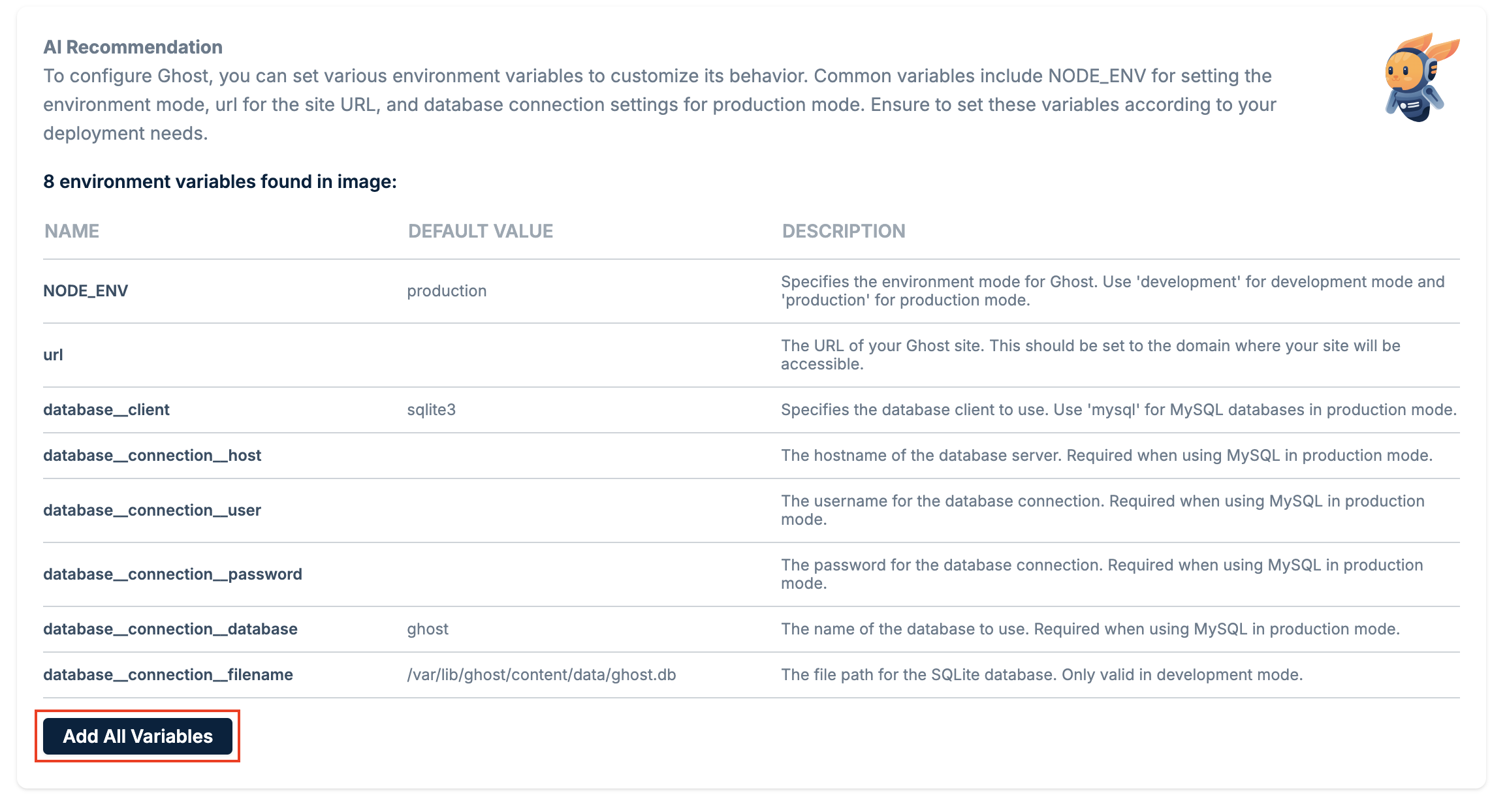
When you select a registry image, Magic Containers scans the image metadata to identify environment variables the container might use. If detected, the variables are displayed with their names and any default values.Automatic scanning is currently only supported for public Docker Hub images.
Manual configuration
If no variables are detected, or you need to add additional ones, you can configure them manually:- Go to Magic Containers and select your container.
- Click Container Settings, then Edit.
- Select the Environment Variables tab and click + Add New Variable.
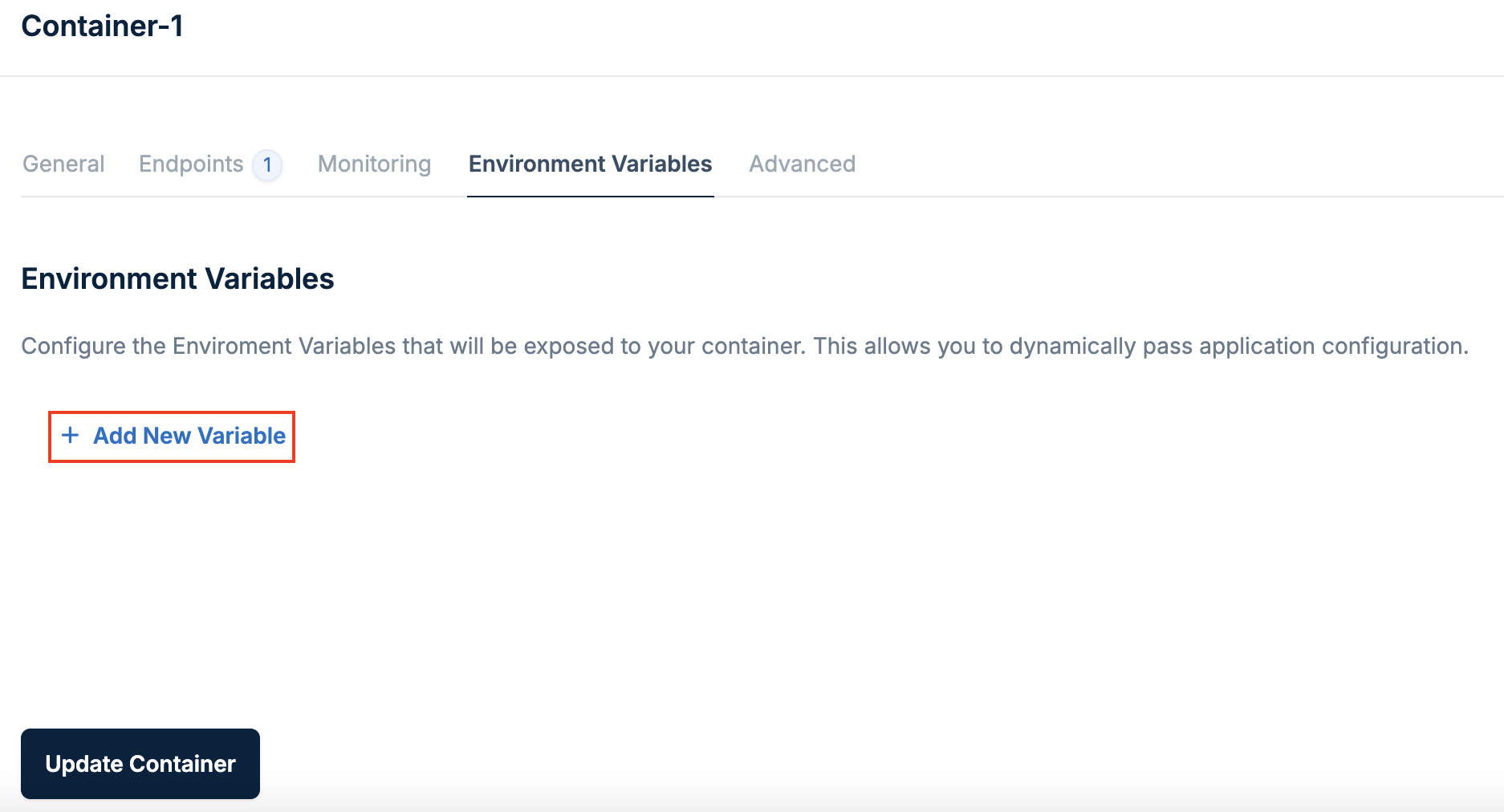
- Enter the variable name and value, then click Update Container.