

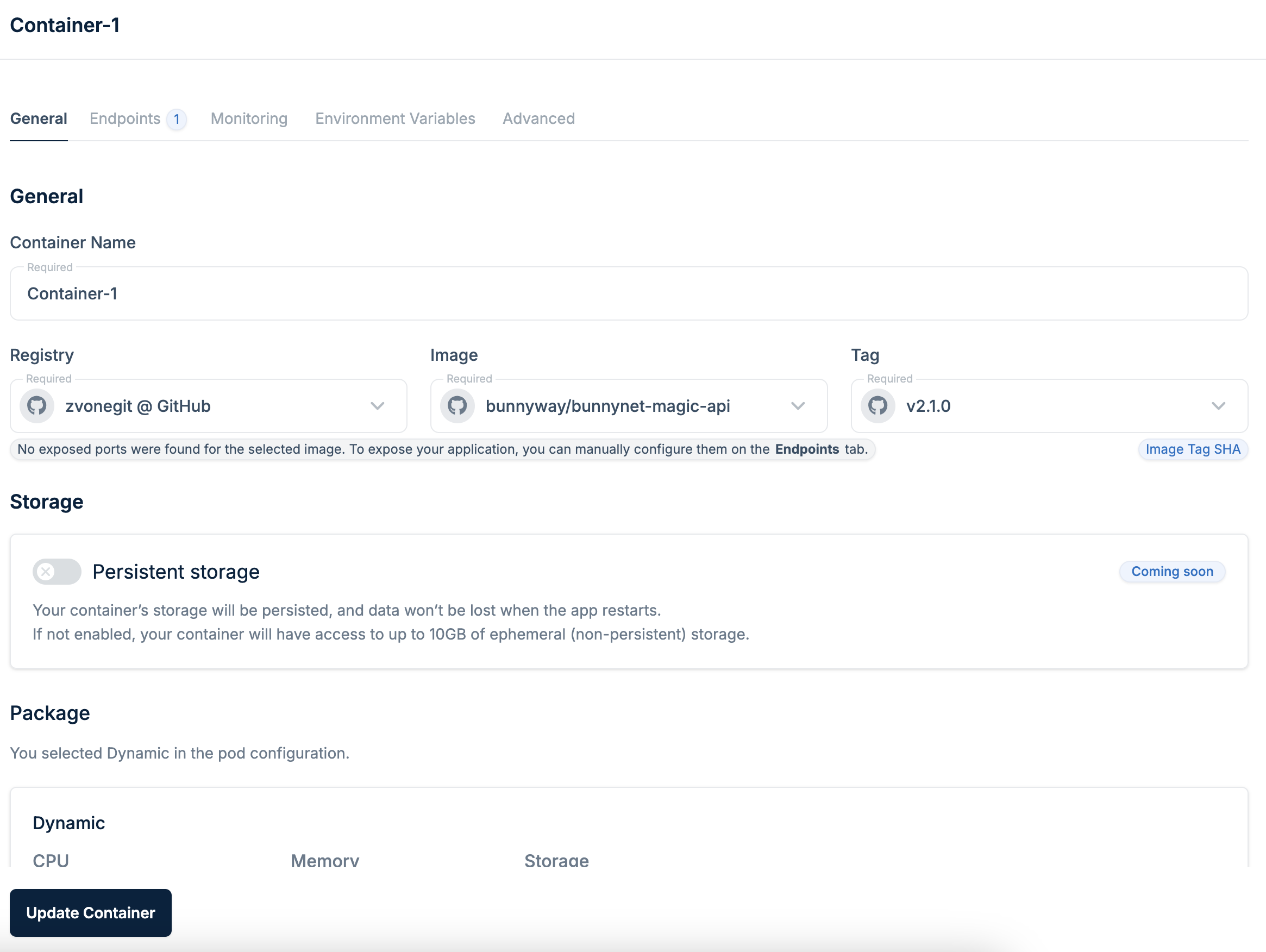
General settings
Click Edit to modify environment variables, health checks, endpoints, and resource allocation.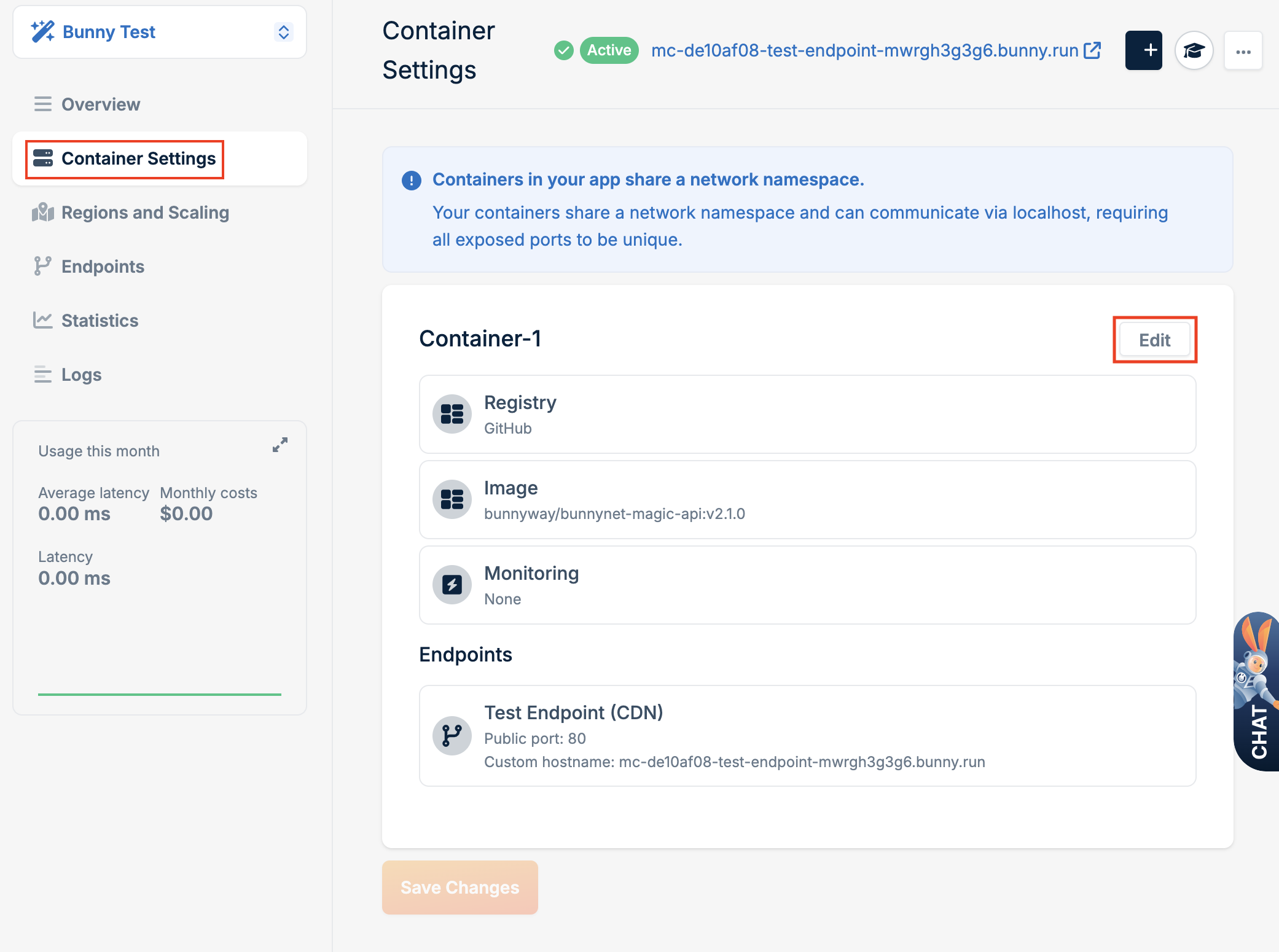
Advanced settings
Click the Advanced tab to configure runtime behavior.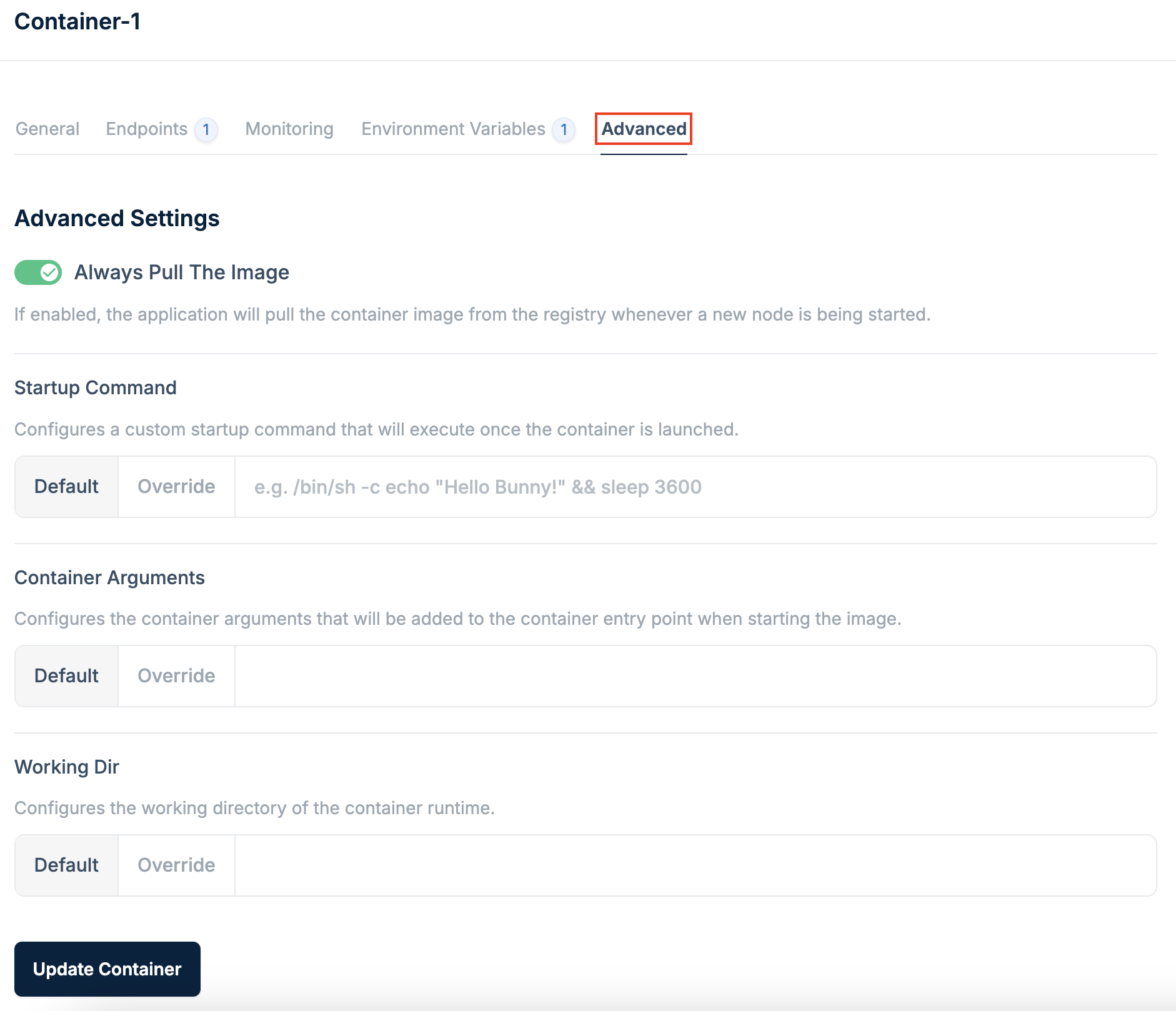
- Startup command: A custom command that executes when the container is launched, giving you control over the initial behavior.
- Container Arguments: Arguments added to the container’s entry point when starting the image. Useful for passing runtime parameters.
- Working Dir: The working directory for the container runtime. Configure this for applications that rely on specific file paths.