1
Select your container
Go to Magic Containers and select the container you want to delete.
2
Open the menu
Click the menu icon (three dots) on the right side of the screen and click Delete App.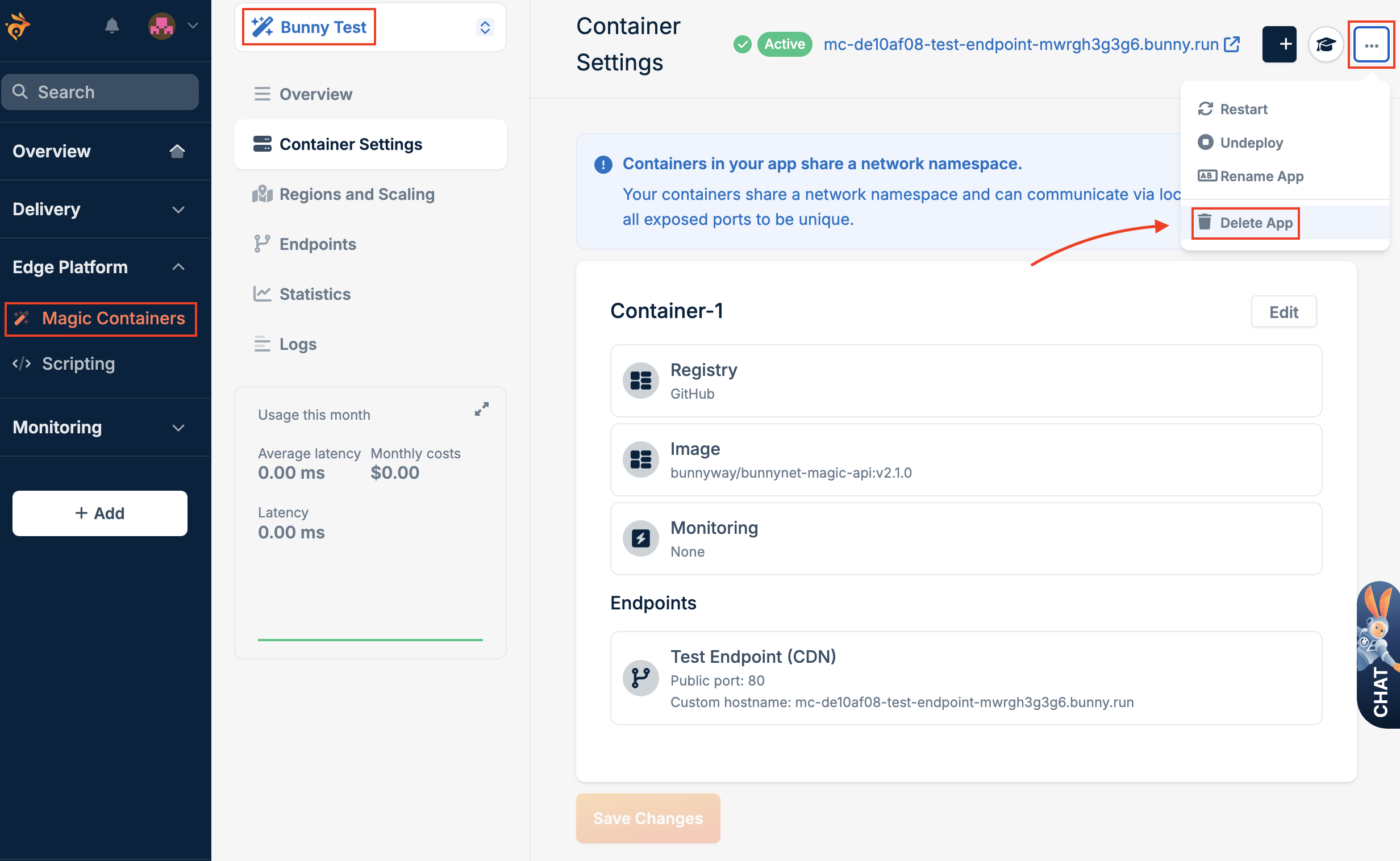
3
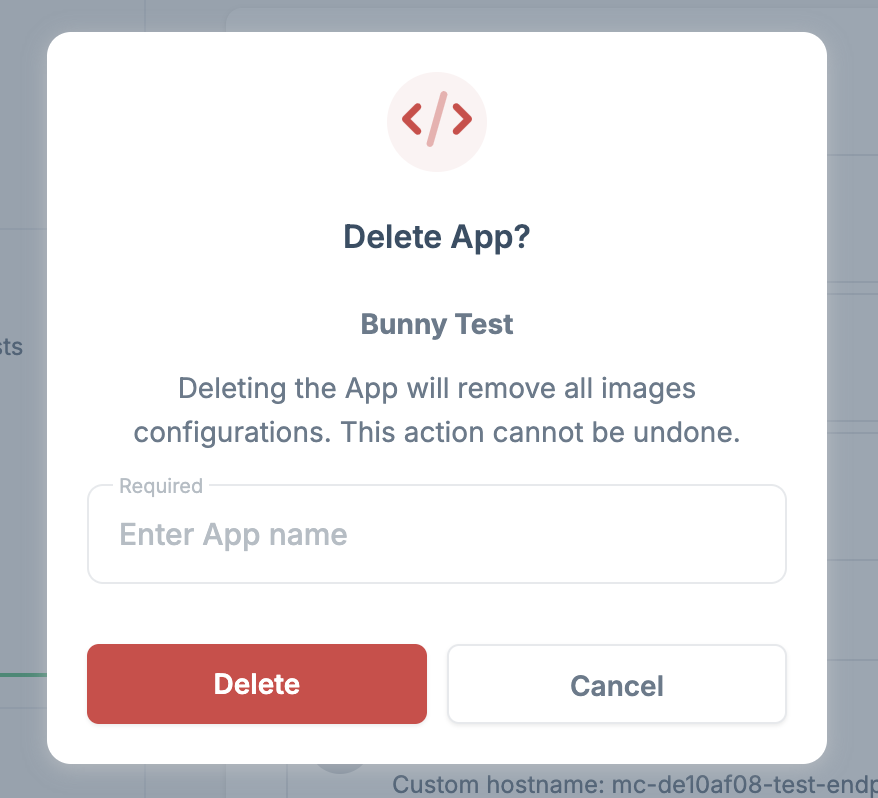
Confirm deletion
Enter the name of the app to confirm, then click Confirm.