

Thinking about leaving? We’d love to hear from you first. We actively listen
to feedback and build what our users need to scale. If something’s missing for
you, there’s a good chance we’re already working on it. Get in
touch before you go.
Before closing your account
Before proceeding:- Delete all your Pull Zones and Storage Zones
- Download any files you want to keep
- Export any data or configurations you may need
Close your account
Go to Close Account
Navigate to Account Settings and
click Close My Account, or go directly to the Close
Account page.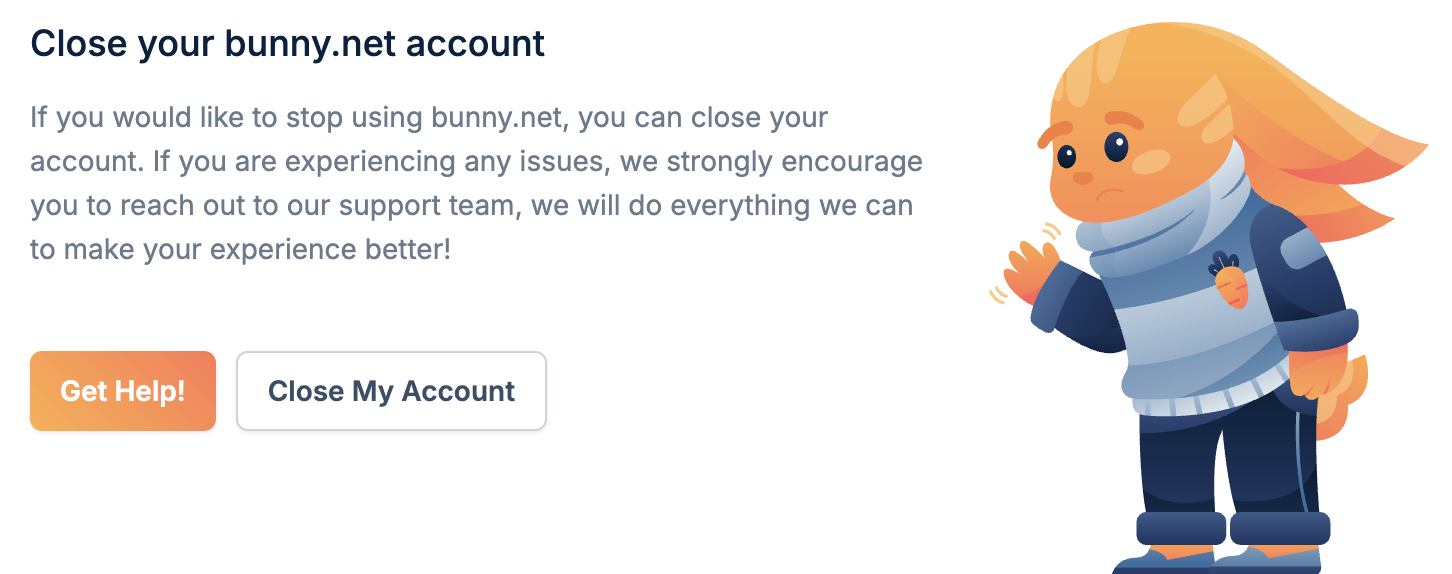
Select a reason
Select a reason for closing your account. This feedback helps us improve the
service.