

Change your password
Go to Change Password
Navigate to Account Settings and
click Change Password, or go directly to the Change
Password page.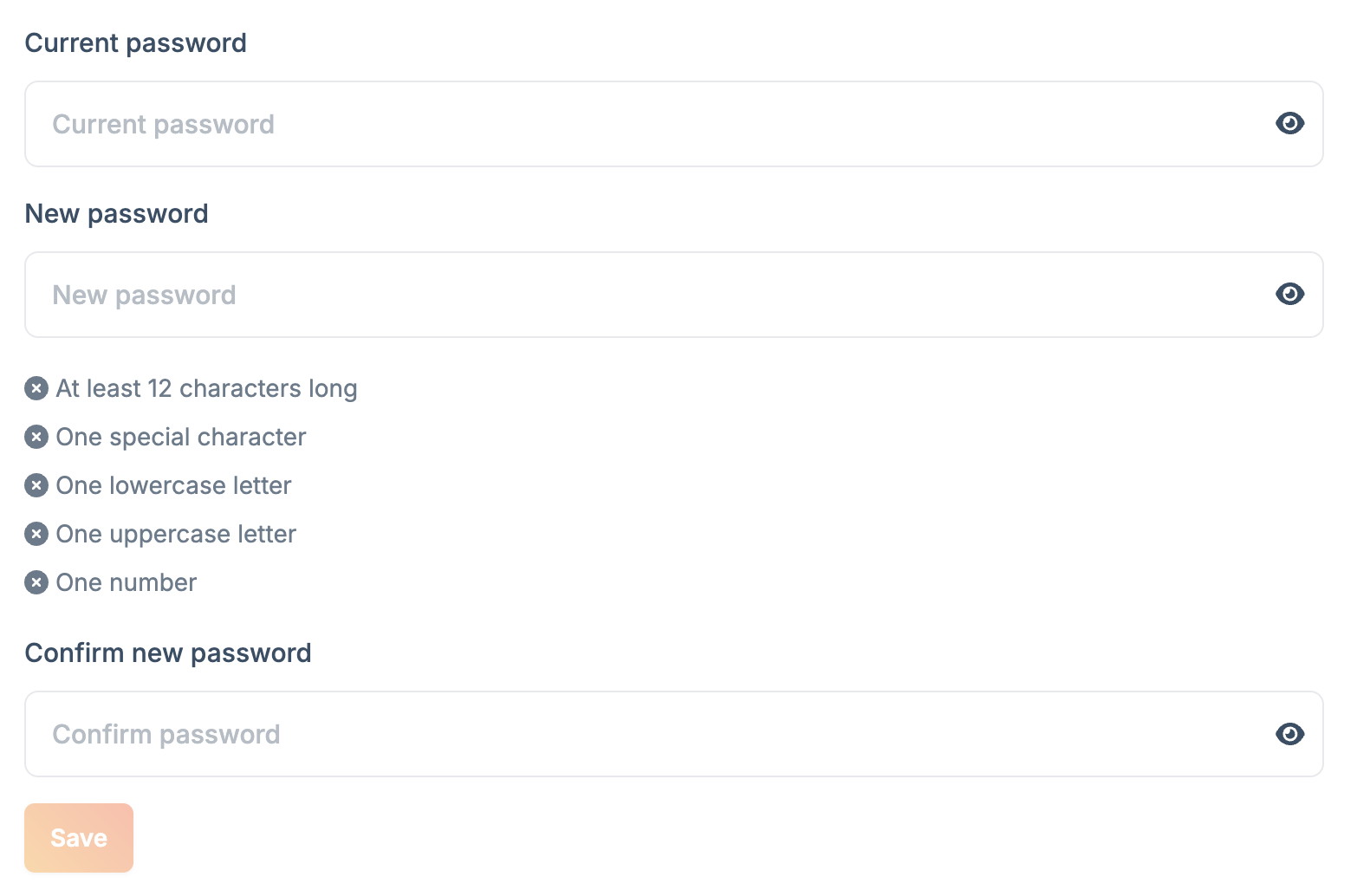
Enter your new password
Enter your current password, then enter and confirm your new password.Your password must contain:
- At least 12 characters
- One special character
- One lowercase letter
- One uppercase letter
- One number
For additional account security, consider enabling two-factor
authentication.