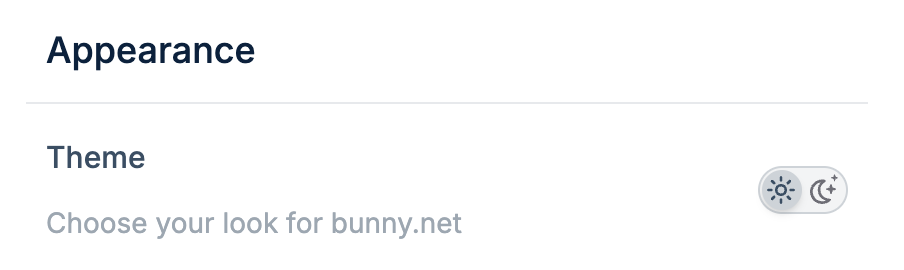
You can customize the appearance of the bunny.net dashboard by choosing between light and dark mode.
Change your theme
Find the Appearance section
Scroll to the Appearance section.
Select your theme
Click the light or dark mode icon to switch themes.
Last modified on January 14, 2026