Create an account
Your free trial includes $20 in trial credits with no payment card
required. Add billing information to unlock an additional $30 in trial
credits for a total of $50. Trial credits expire at the end of your trial
and any unused balance is removed.
Sign up for your free trial
Sign-up and register for a free trial account.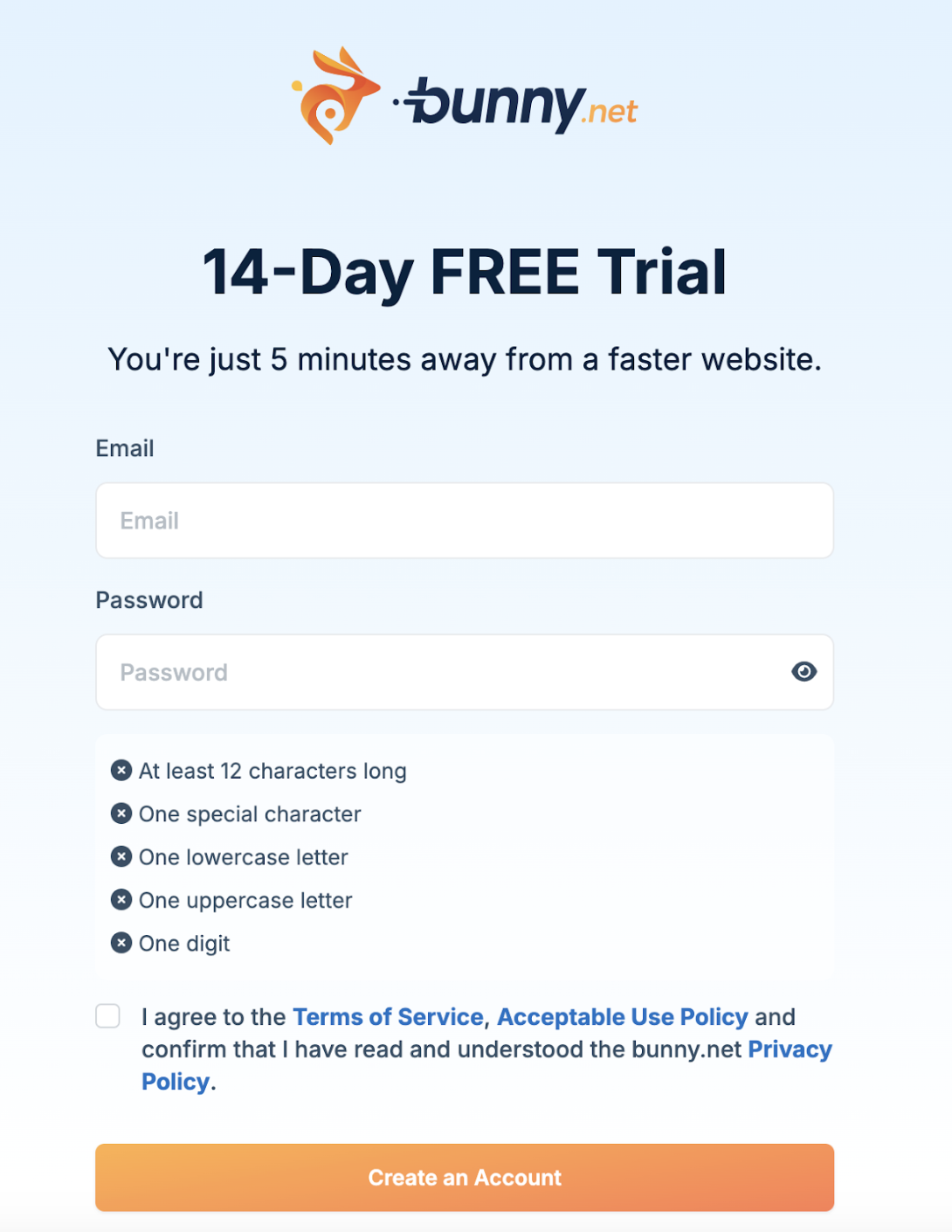
Confirm your email address
You must use the link in the email sent to you. Once done, you’ll be able to create and manage as many resources in your account as you need during the trial.
Claim extra credit (optional)
After confirming your email, you can claim an additional $30 in credits by adding your billing information to your account.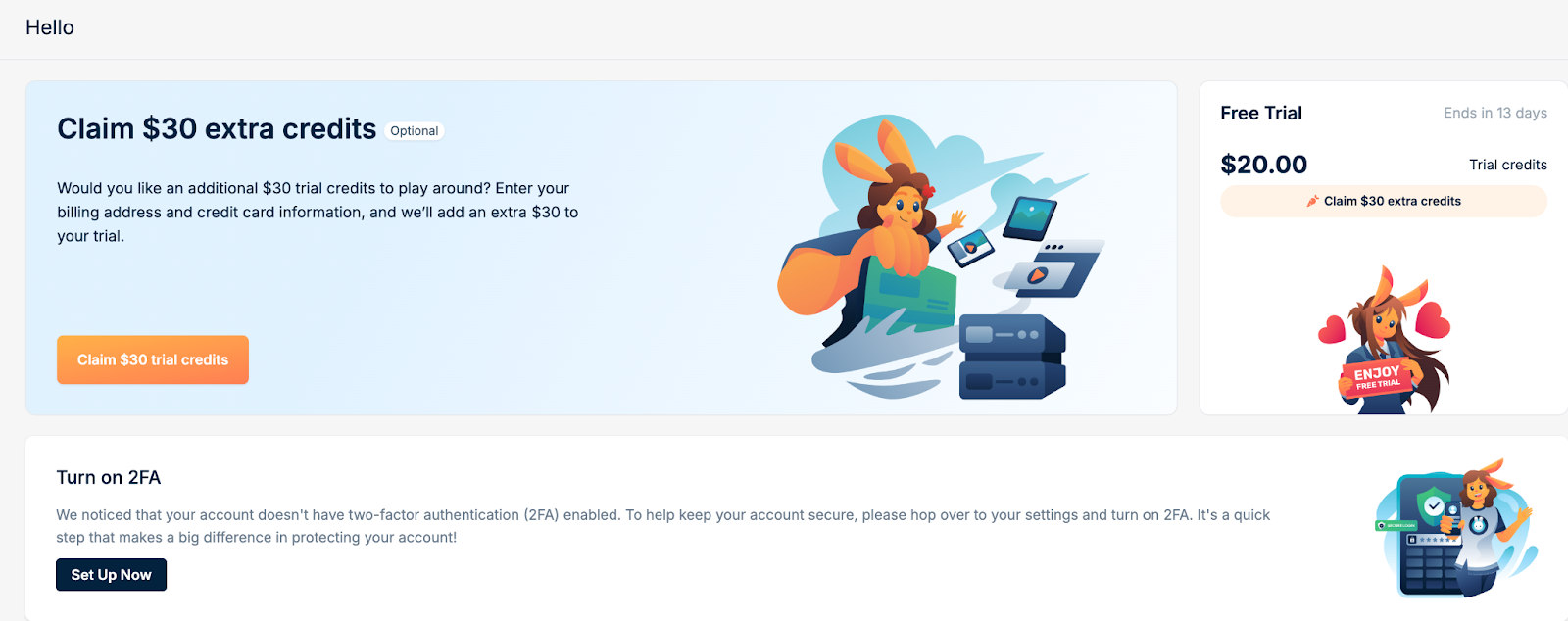
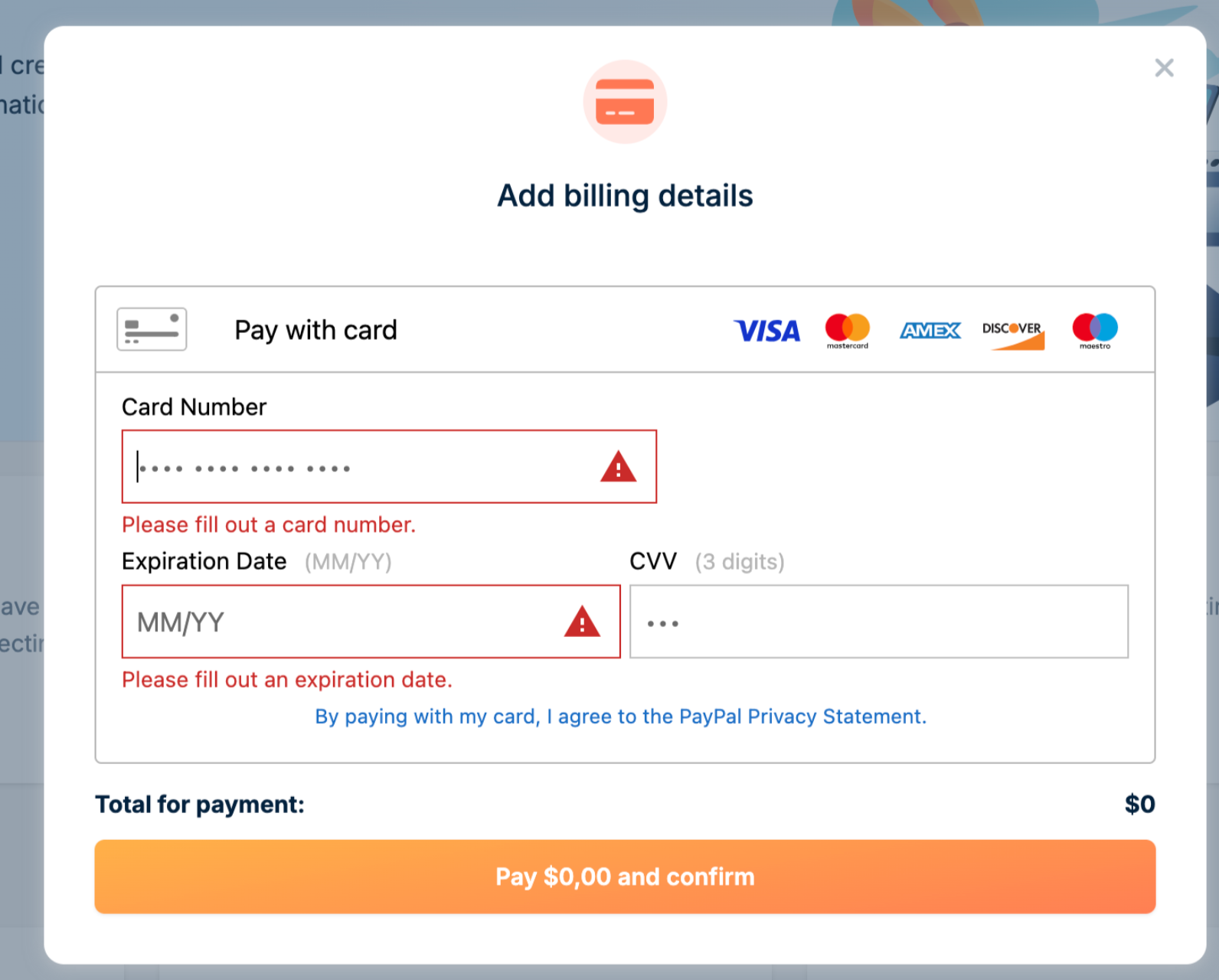
With a total of $50 in credits, you’ll be able to explore all the powerful features of the bunny.net platform.
Start building
Your dashboard includes a handy countdown timer that tracks the remaining days of your trial. This feature helps you plan your usage effectively, ensuring you make the most of your trial period.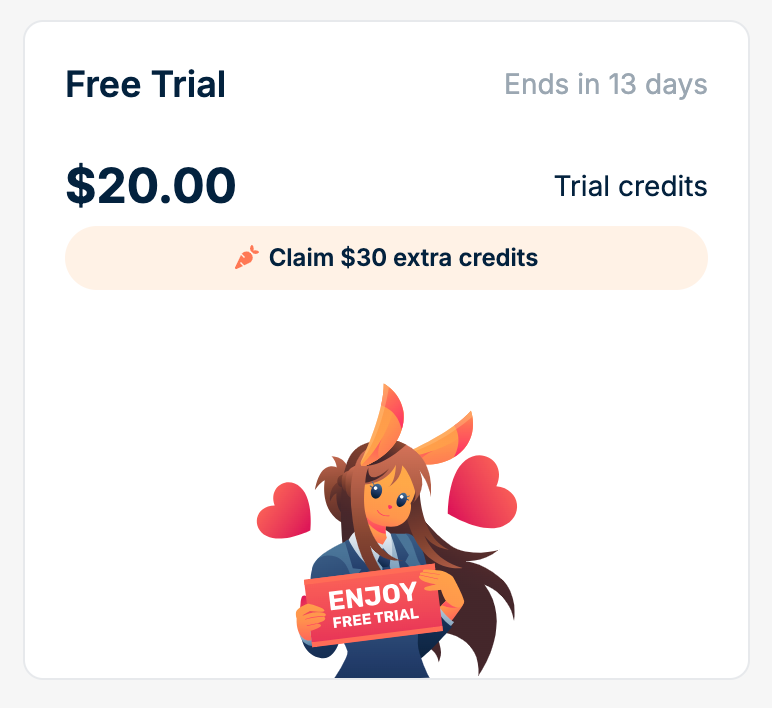
Trial balance notifications
We will send you email alerts when your trial balance reaches key thresholds:- Unverified accounts: Notifications at 1 remaining
- Verified accounts (with payment card): Notifications at 5 remaining
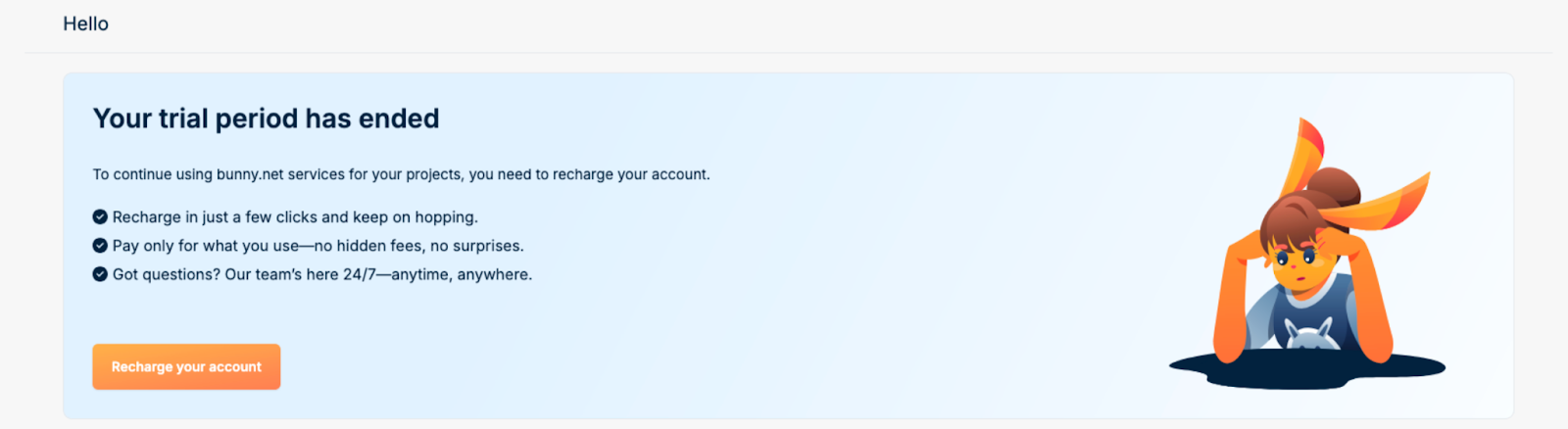
When your trial expires
Once your 14-day trial expires, any remaining trial credits are removed from your account. Trial credits cannot be carried over or converted to paid credits.- Upgrade
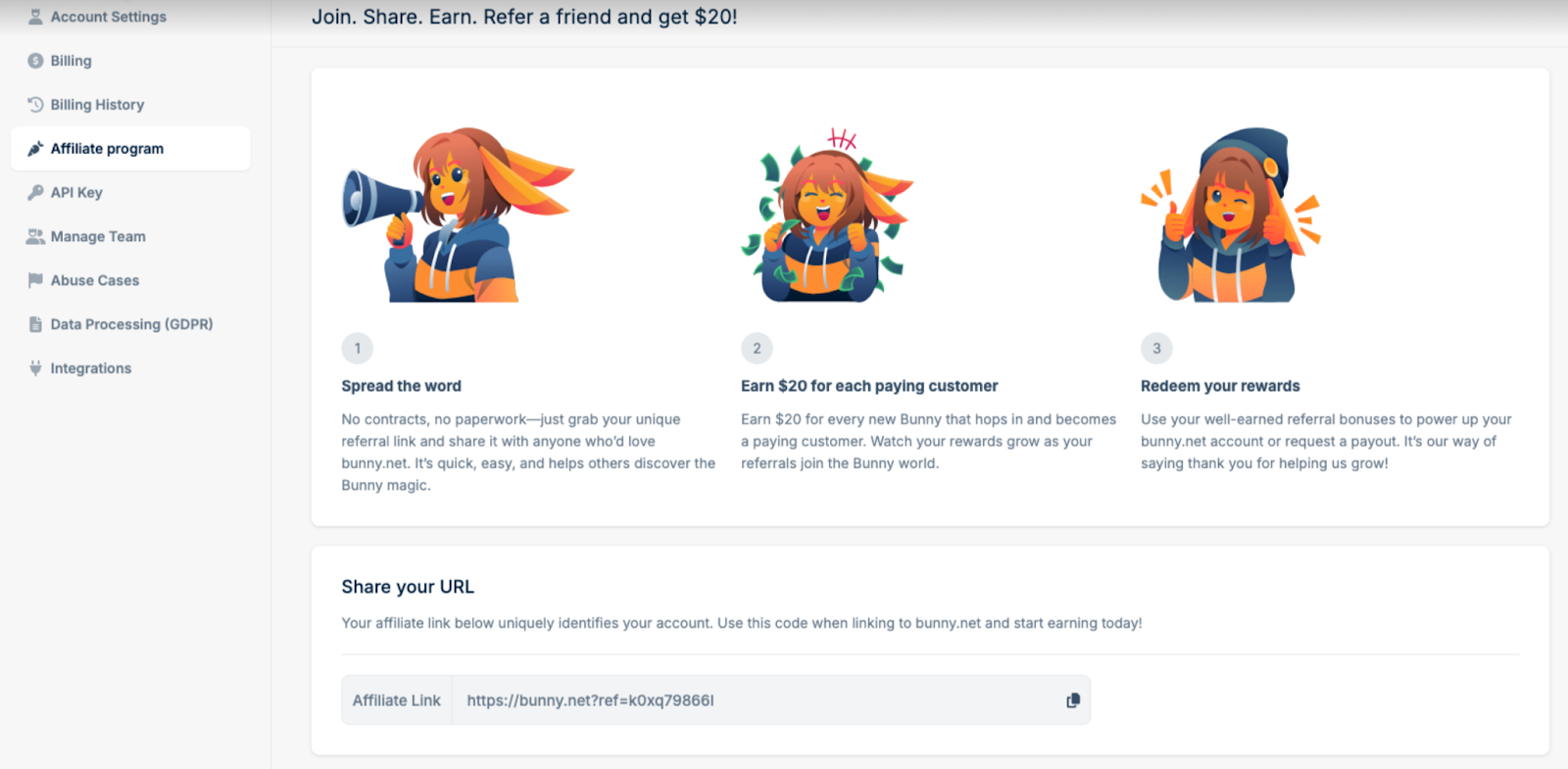
- Refer & Earn