

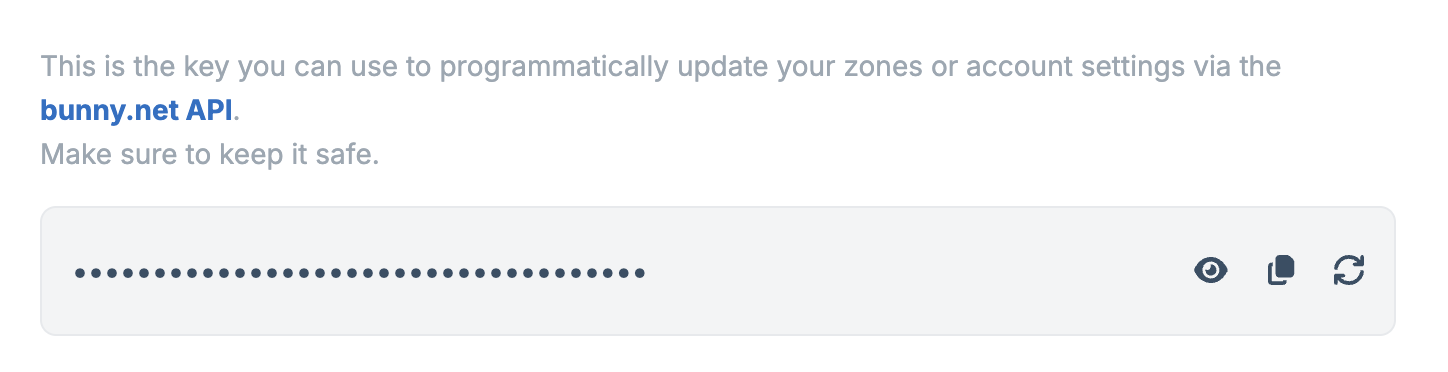
Viewing your API key
Your API key is hidden by default. Click the eye icon to reveal it, or the copy icon to copy it to your clipboard.
Regenerating your API key
If your API key is compromised, click the refresh icon to generate a new one. You’ll be asked to confirm before the key is reset.
Keep your API key safe
Your API key has full access to your account. Never share it publicly or commit it to version control.This is your account-level API key. Storage zones, Stream libraries, and
databases each have their own separate API keys for accessing those specific
services.