

1
Create a Pull Zone
Log in to your bunny.net dashboard and open the Add Pull Zone page. Choose a name for your zone, then set the origin URL to your Discourse forum (for example, 
discourse.example.com).2
Configure Discourse with your Pull Zone
Open your If they aren’t present, add them below the other 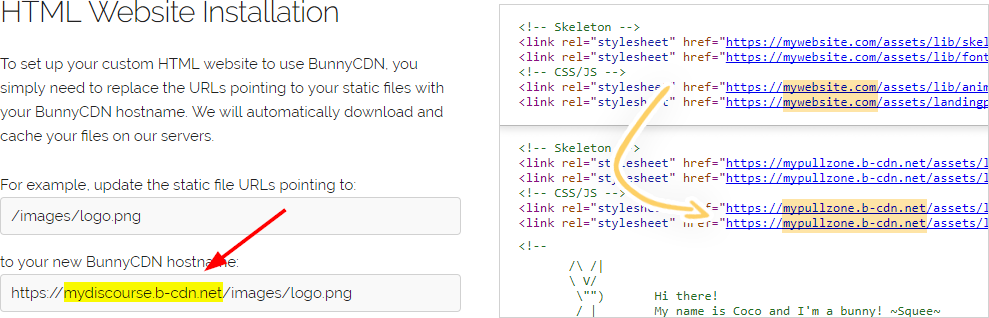
app.yml configuration file and find the following lines:DISCOURSE_ variables. Replace the DISCOURSE_CDN_URL value with your Pull Zone hostname.3
Rebuild the Discourse container
Apply the new configuration by rebuilding the container:Once the rebuild finishes, your forum is served through Bunny CDN. To confirm everything is working, see Verify your configuration.