What you’ll need
Before you dive in, make sure you have the following prerequisites in place:- A bunny.net account ( Log in or sign up for a free trial).
- Ensure that the Media Cage DRM Enterprise feature is enabled in your account. If you need guidance on how to enable this feature, please refer to our Media Cage DRM Enterprise quickstart guide.
Use license server URL with video players
To ensure the seamless playback of encrypted videos, it is crucial to configure the license server URL with your video players. The following section provides a code snippet for configuring license proxies with various widely used video players.Authentication
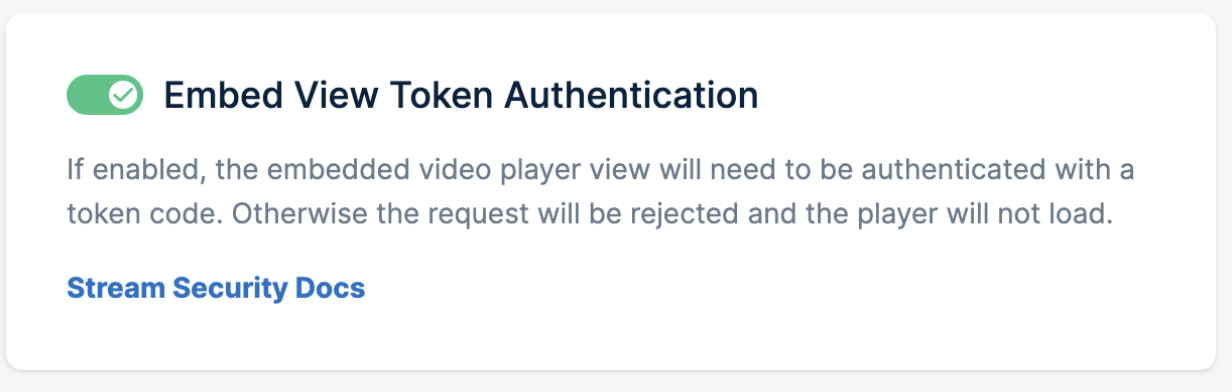
The license service endpoint employs referrer protection and embed token authentication to secure requests, similar to our player Embed View. That means if token authentication is enabled it should also be present in requests going to DRM license endpoint ( the same is for referrer protection and token authentication). These security rules ensure that only requests from authorized sources with valid tokens are processed if configured. For the authentication to work, it has to be enabled in dashboard: