

Prerequisites
- You must have a Video Library created.
- You need to have MP4 Fallback enabled under the encoding tab of the created video library
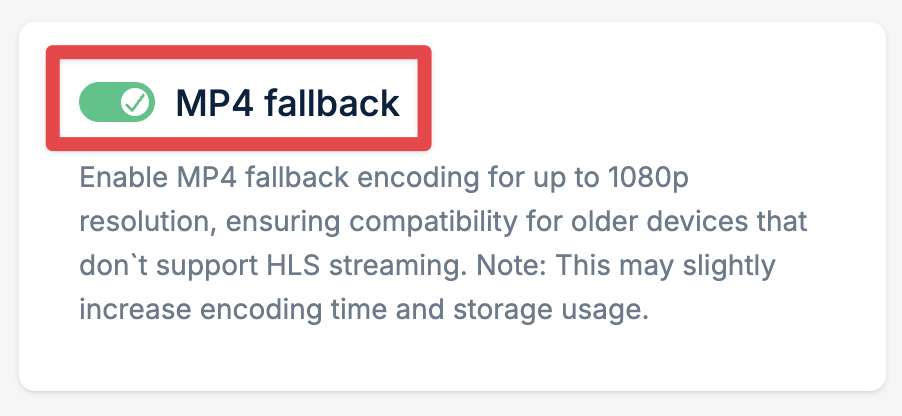
- Only videos uploaded after enabling MP4 Fallback will generate the MP4 file. Please keep in mind that the fallbacks go up to a maximum of 1080P in quality if the original permits.
- In addition to the above, we do not upscale videos. A 1080P fallback for example cannot be generated if the maximum quality of the original video is 480P, but in that case then play_480p.mp4 would work.
How to retrieve the MP4 URL?
1
Open your video
Navigate to your video in the Stream dashboard.
2
Expand MP4 URLs
MP4 URLs will appear on your video page - click to expand.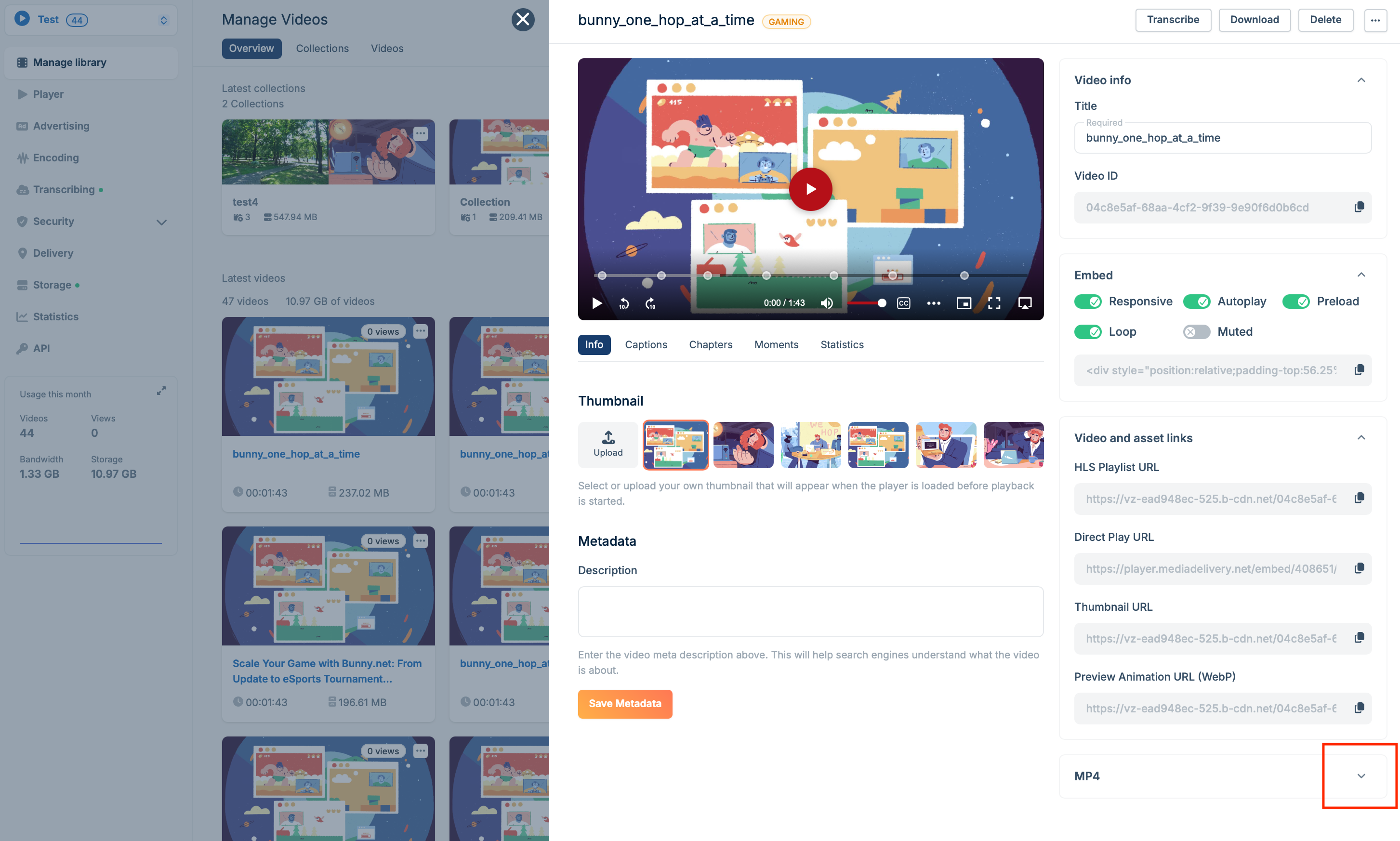
3
Copy or download
You can now copy each MP4 resolution URL link or download the MP4 locally.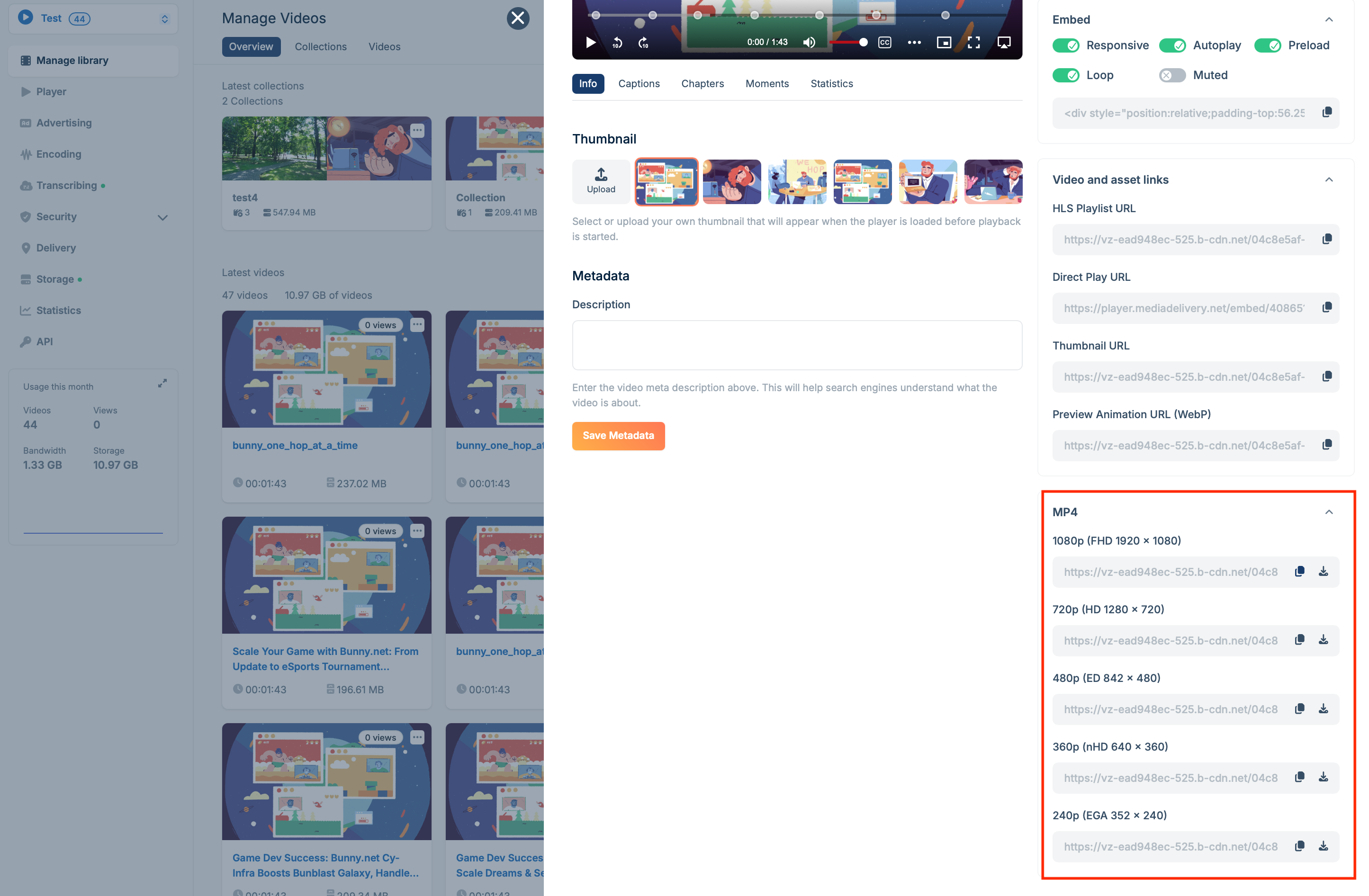
Troubleshooting
I can't see my MP4 URLs or I'm getting a 403 error
I can't see my MP4 URLs or I'm getting a 403 error
Review your security settings, as they are likely the cause:
- Token authentication is enabled, but you are not producing a token or creating it incorrectly.
- Allowed domains are specified, restricting video playback to only authorized domains.
- Direct URL file access is denied. If you type the URL into your browser’s address bar, you’ll get a 403 error since you’re attempting to access it directly. This is common on Apple devices, which do not send the correct referrer headers.
I'm getting a 404 error
I'm getting a 404 error
This is most likely due to one of two things:
- An incorrect URL construction.
- The fallback resolution you want to use does not exist.