What you’ll need

Before you dive in, make sure you have the following prerequisites in place:

Playing DRM content

Once video content is DRM encrypted, every play session needs a valid play license. Play license can be obtained from a License Server URL.
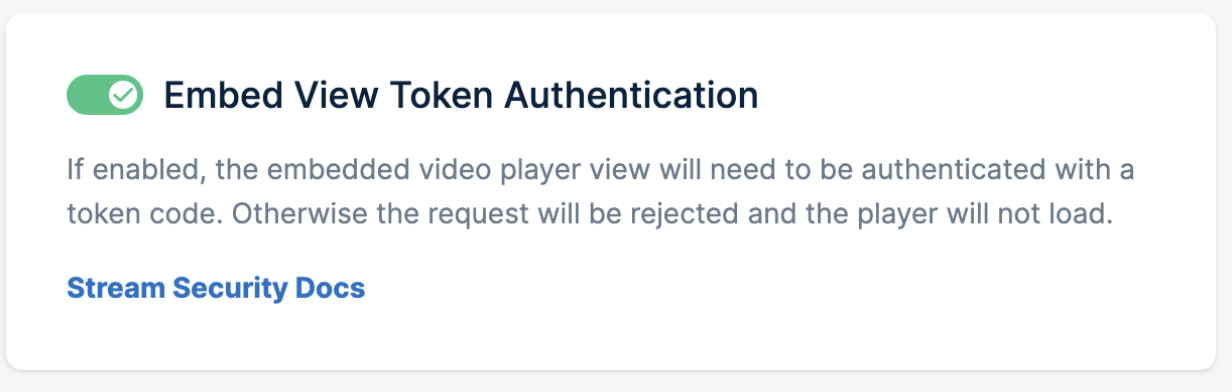
Note: Certificate and license server apply the same security mechanisms as player embed view. If referrer protection and/or token authentication is enabled in library settings, valid referrer header and/or token query parameters should also be provided to Fairplay DRM endpoints.

Certificate URL

To use Fairplay, player needs to obtain the Fairplay certificate first. It is accessible with the URL of the following pattern:
https://video.bunnycdn.com/FairPlay/{library_id}/certificate

License server URL

Fairplay key server is accessible with the URL of the following pattern:
https://video.bunnycdn.com/FairPlay/{library_id}/license/?videoId=${video_id}
  • library_id: A unique identifier for the library or content collection.
  • video_id: The specific identifier for the FairPlay encrypted video.

Fairplay integration with Safari

Safari browsers on macOS and iOS inherently support the playback of HLS streams encrypted with Fairplay. To facilitate Fairplay integration on Safari, use the provided sample code:
actual values window.fp_certificate_url =
"https://video.bunnycdn.com/FairPlay/{library_id}/certificate";
window.fp_license_server_url = "https://video.bunnycdn.com/FairPlay/
{library_id}/license/?videoId=${video_id}"; // MODIFY: You need to replace{" "}
{pull_zone_url} and {video_id} with actual URL window.playback_url = "https://
{pull_zone_url}.b-cdn.net/{video_id}/playlist.m3u8"; ```
</CodeGroup>

Ensure to replace `library_id`, `pull_zone_url`, and `video_id` with valid values corresponding to the specific video player. The next step is to create a function to download and store certificates, which will be used later:

<CodeGroup>
```bash bash
async function loadFpCertificate()  
{  
    try {  
        let response = await fetch(window.fp_certificate_url);  
        window.fp_certificate = await response.arrayBuffer();  
    } catch(e) {  
        window.console.error(`Could not load certificate at ${window.fp_certificate_url}`);  
    }  
}
Write a function to call the certificate-loading function and initiate video playback:
async function startVideo()  
{  
  await loadFpCertificate();
  // get html5 video element
  let video = document.querySelector('video');
  
  // hook up the encrypted event
  video.addEventListener('encrypted', onFpEncrypted); 
  
  // set the source property of the player.
  video.src = window.playback_url;  
}
Define the onFpEncrypted function to handle the ‘encrypted’ event. It fetches the license, passes it to secure session, and enables Safari to decode the encrypted content:
async function onFpEncrypted(event) {
  try {
    let initDataType = event.initDataType;
    if (initDataType !== 'skd') {
      window.console.error(`Received unexpected initialization data type "${initDataType}"`);
      return;
    }
    
    let video = event.target;
    if (!video.mediaKeys) {
      let access = await navigator.requestMediaKeySystemAccess("com.apple.fps", [{
        initDataTypes: [initDataType],
        videoCapabilities: [{ contentType: 'application/vnd.apple.mpegurl', robustness: '' }],
        distinctiveIdentifier: 'not-allowed',
        persistentState: 'not-allowed',
        sessionTypes: ['temporary'],
      }]);

      let keys = await access.createMediaKeys();

      // The FairPlay certificate we fetched earlier is used here.
      await keys.setServerCertificate(window.fp_certificate);
      await video.setMediaKeys(keys);
    }

    let initData = event.initData;

    let session = video.mediaKeys.createSession();
    session.generateRequest(initDataType, initData);
    let message = await new Promise(resolve => {
        session.addEventListener('message', resolve, { once: true });
    });

    // license_server_url we set earlier is used here.
    let response = await getResponse(message, window.fp_license_server_url);
    await session.update(response);
    return session;
  } catch(e) {
    window.console.error(`Could not start encrypted playback due to exception "${e}"`)
  }

}

Implement the getResponse function to send the SPC message to the FairPlay server and obtain the CKC for the encrypted session.
async function getResponse(event, license_server_url) {
    // need to convert the message to Base64 string
    let spc_string = btoa(String.fromCharCode.apply(null, new Uint8Array(event.message)));
    let licenseResponse = await fetch(license_server_url, {
        method: 'POST',
        headers: new Headers({'Content-type': 'application/json'}),
        body: JSON.stringify({
            "spc" : spc_string
        }),
    });
    let responseObject = await licenseResponse.json();
    return Uint8Array.from(atob(responseObject.ckc), c => c.charCodeAt(0));
}
Place the following script block in the ‘head’ section or in a separate JavaScript file. This code ensures that video playback starts when the page is loaded.
<script>document.addEventListener('DOMContentLoaded', startVideo);</script>
Place the HTML5 video element on desired place in the html document.
<video controls preload="metadata" width=960></video>

Authentication

The license service endpoint employs referrer protection and embed token authentication to secure requests, similar to our player Embed View. That means if token authentication is enabled it should also be present in requests going to DRM license endpoint ( the same is for referrer protection and token authentication). These security rules ensure that only requests from authorized sources with valid tokens are processed if configured. For the authentication to work, it has to be enabled in dashboard: For more detailed guidance on these security mechanisms, please visit our Embed View Token Authentication page.