What you’ll need
Before you dive in, make sure you have the following prerequisites in place:- A bunny.net account ( Log in or sign up for a free trial).
- A GitHub account.
Creating a new repository
If you’re starting a new project and want to use a bunny.net template, creating a new repository is the way to go. GitHub integration allows you to manage and deploy your Edge Scripts directly from your GitHub repository. Follow the steps below to set up and deploy a new repository using GitHub integration:- Login to the bunny.net dashboard.
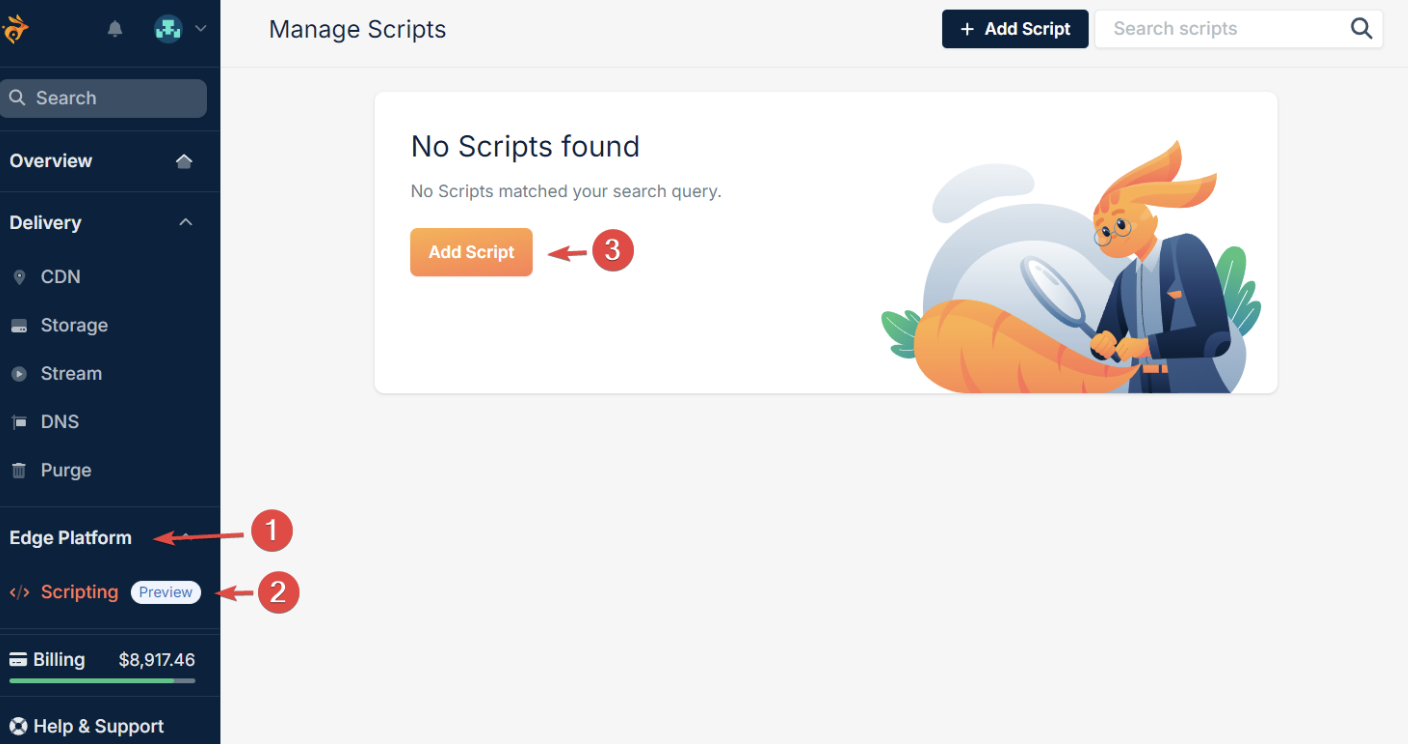
- Navigate to Edge Platform > Scripting and click Add Script.
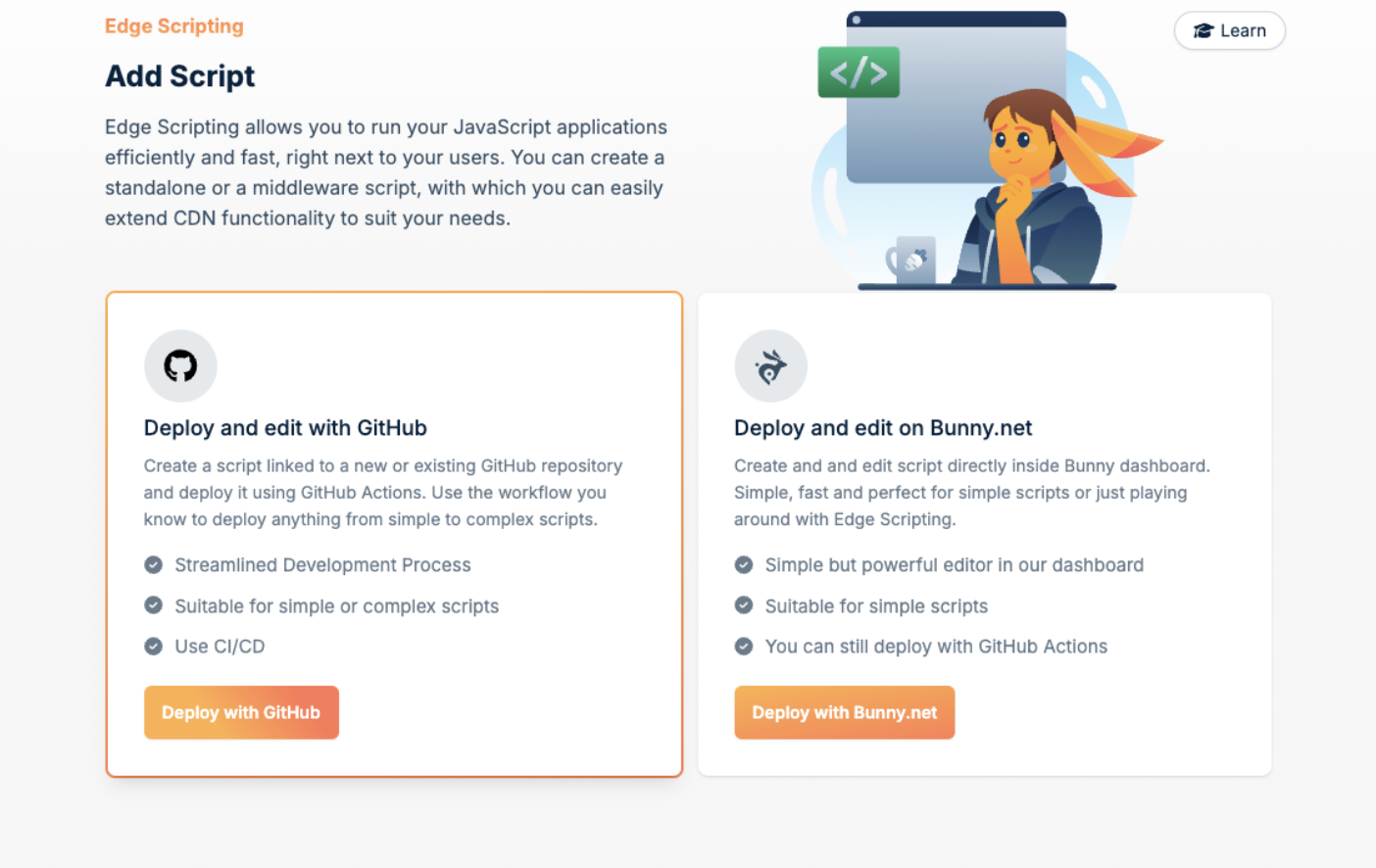
- This step of script creation allows you to choose between managing the code with Github and managing it in the dashboard. The Deploy and edit on Bunny.net option lets you start coding directly in the browser and is designed for simple scripts. Select Deploy and edit with GitHub to manage the code in a GitHub repository.
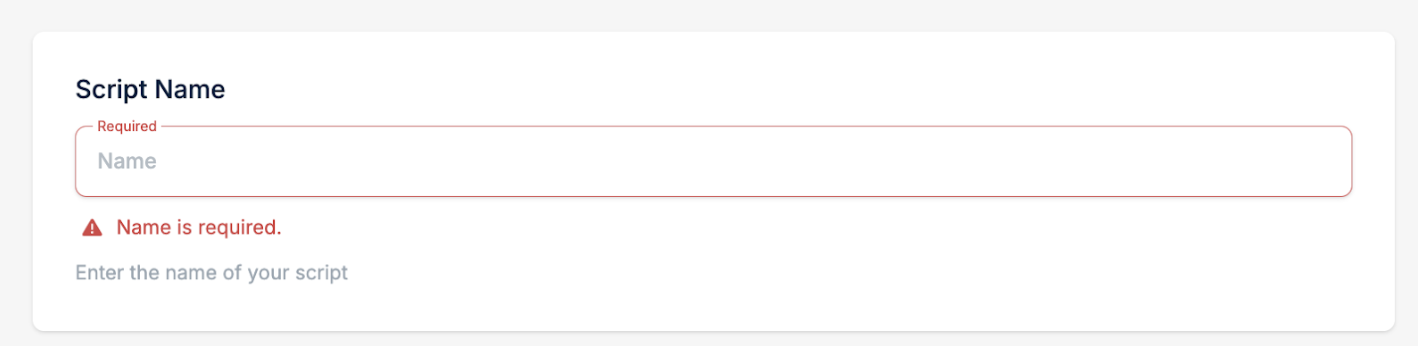
- In the second step of script creation, fill in the Script Name.
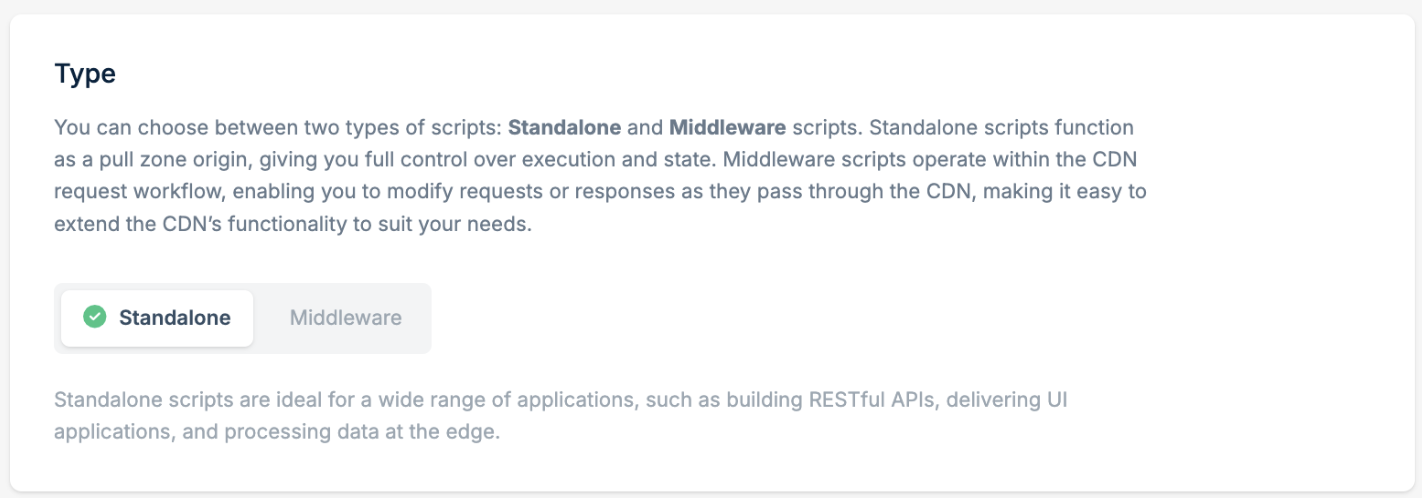
- Select between Standalone or Middleware script type. For more information, see our Script Types documentation.
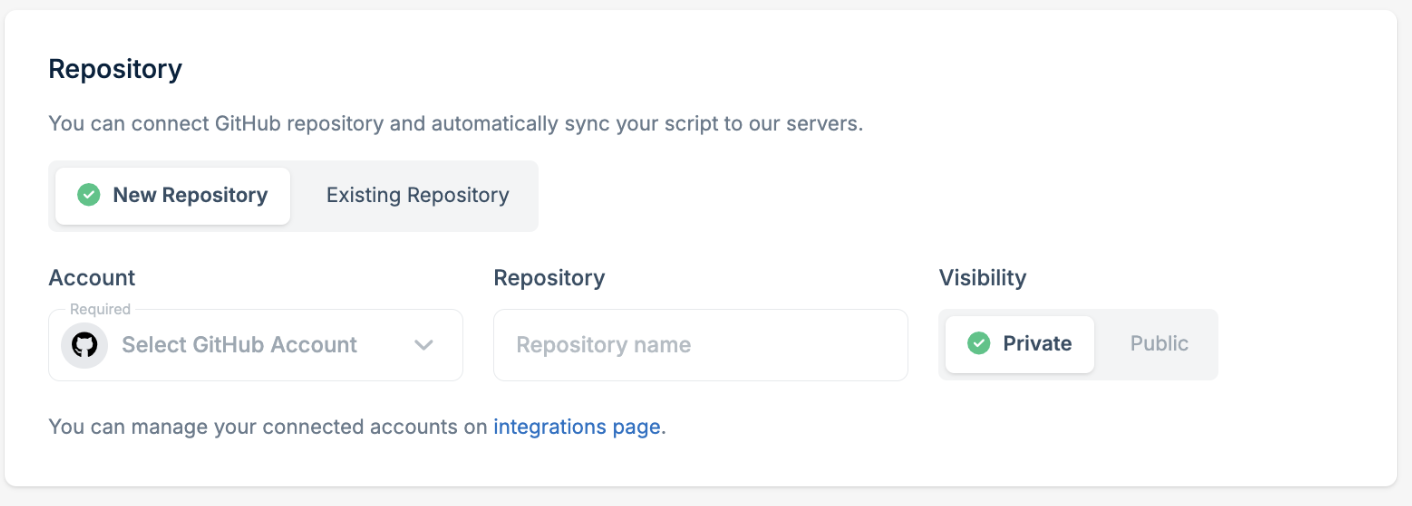
- Use the Repository section to connect the script with the GitHub repository. If you haven’t connected your GitHub account yet, click Connect GitHub Account.

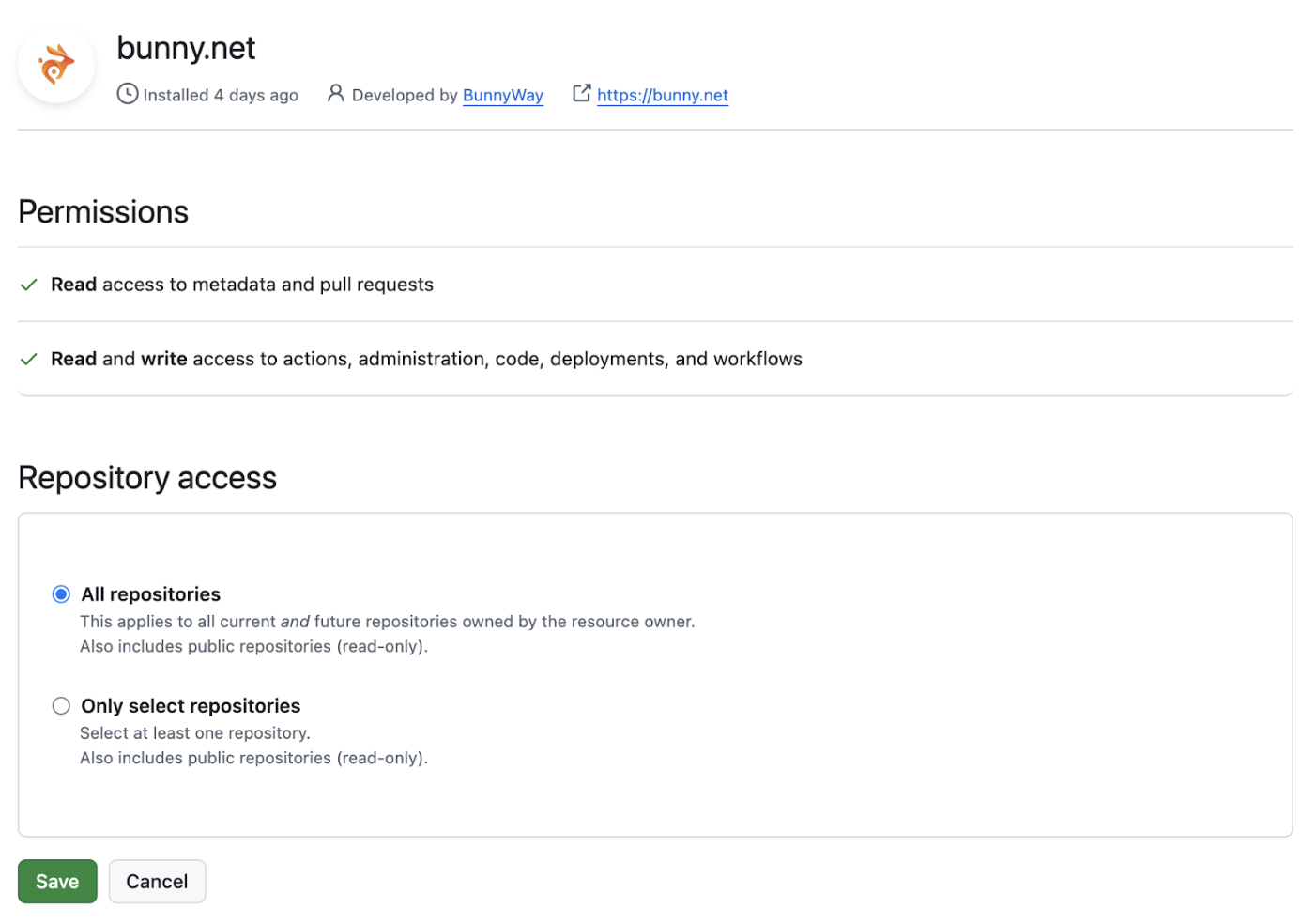
- You will be redirected to the GitHub application permission page, where you can select the repositories that bunny.net can access.
- Select New Repository to create a preconfigured repository based on a template.
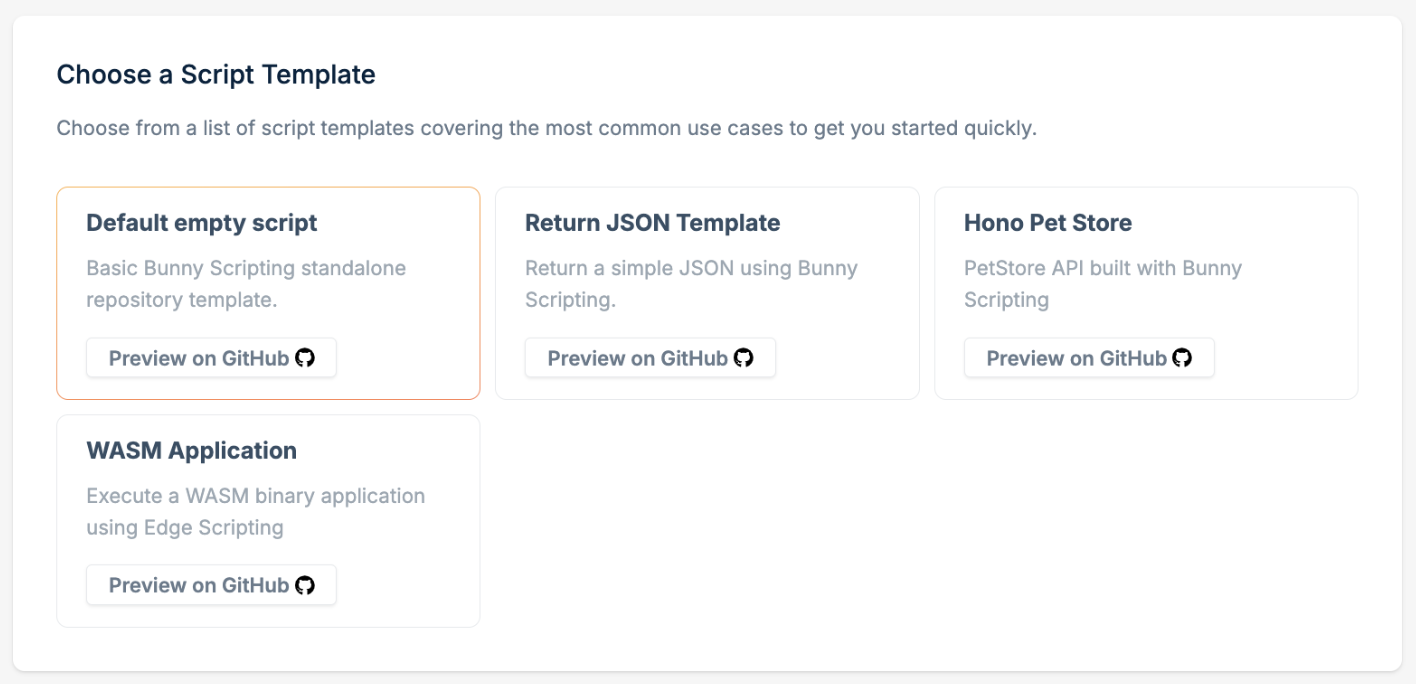
- Choose a script template. A number of templates are provided to match the scenario you want to implement. These templates offer foundational setups tailored to different scenarios, simplifying the initial development process. For demo purposes, you can choose the Default empty script.
- Click Add Script.
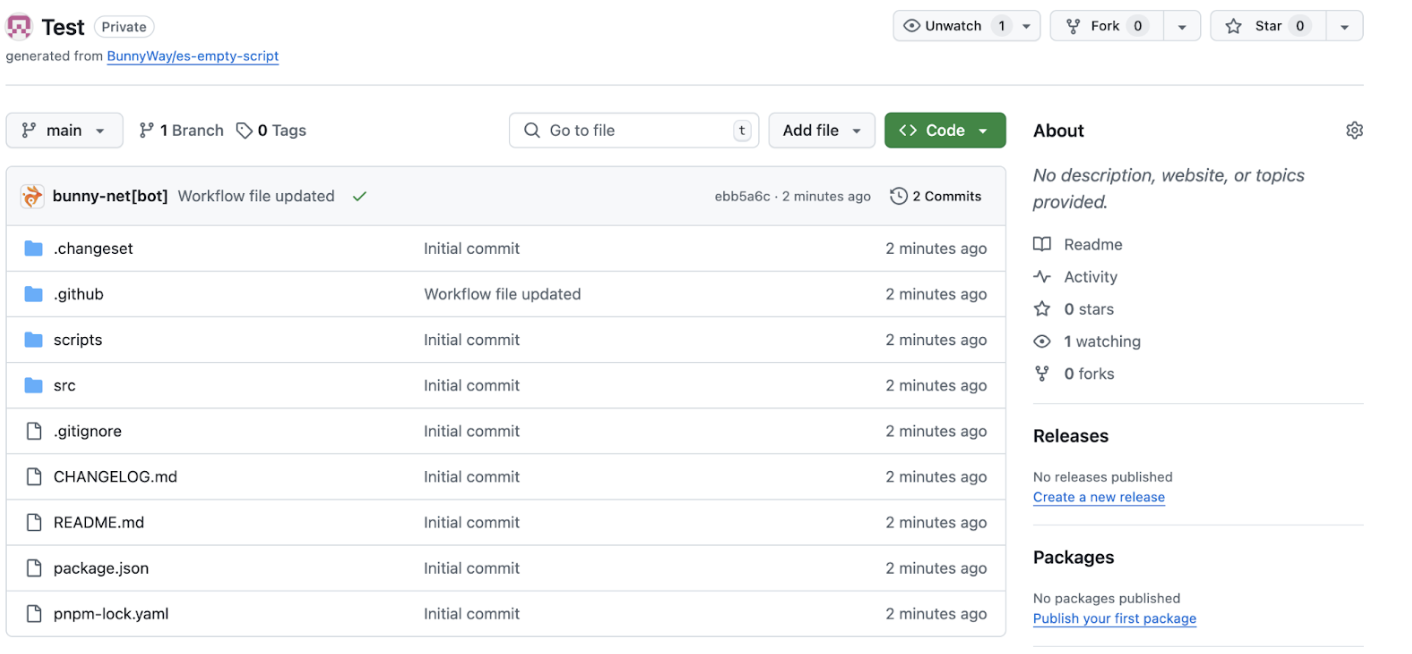
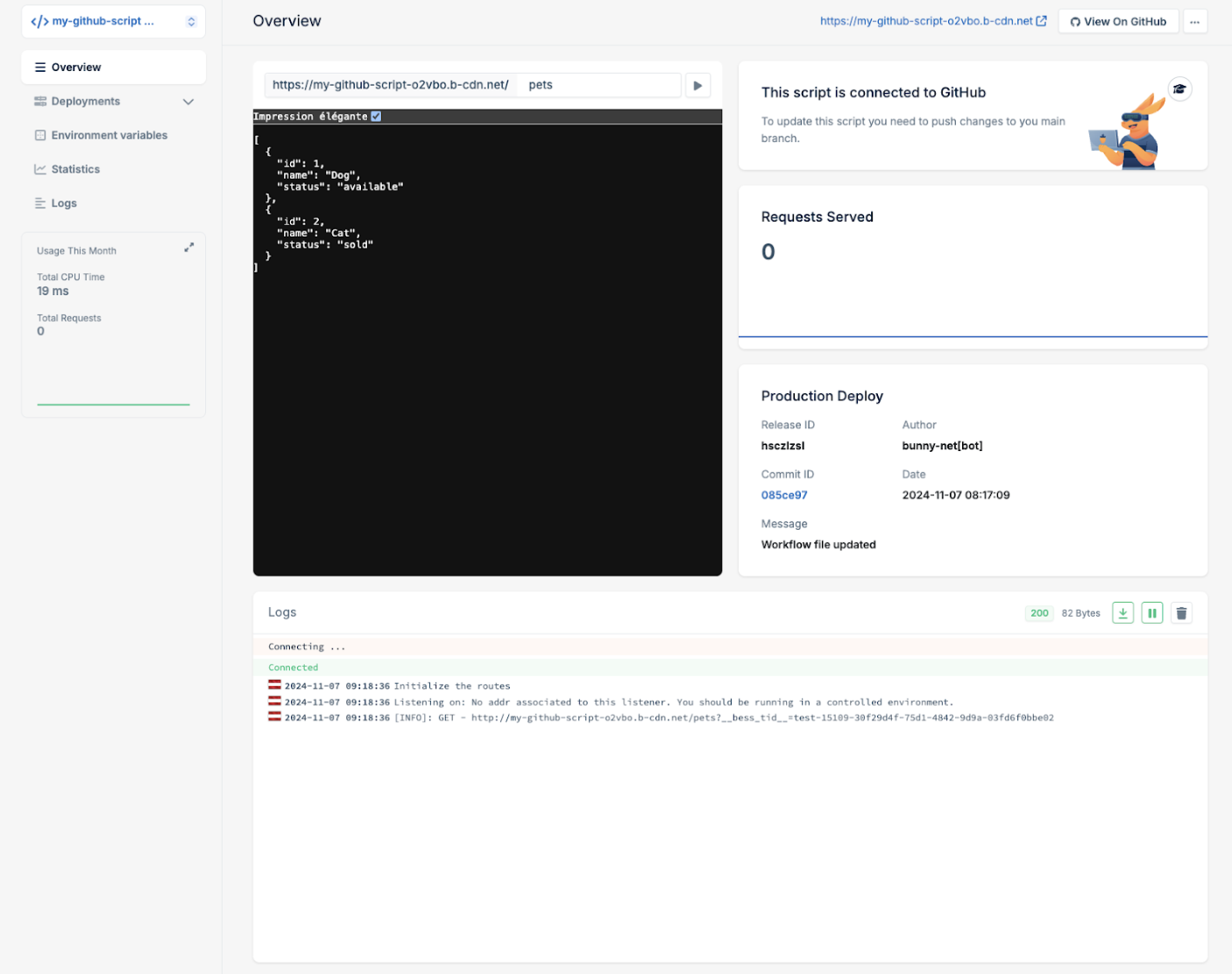
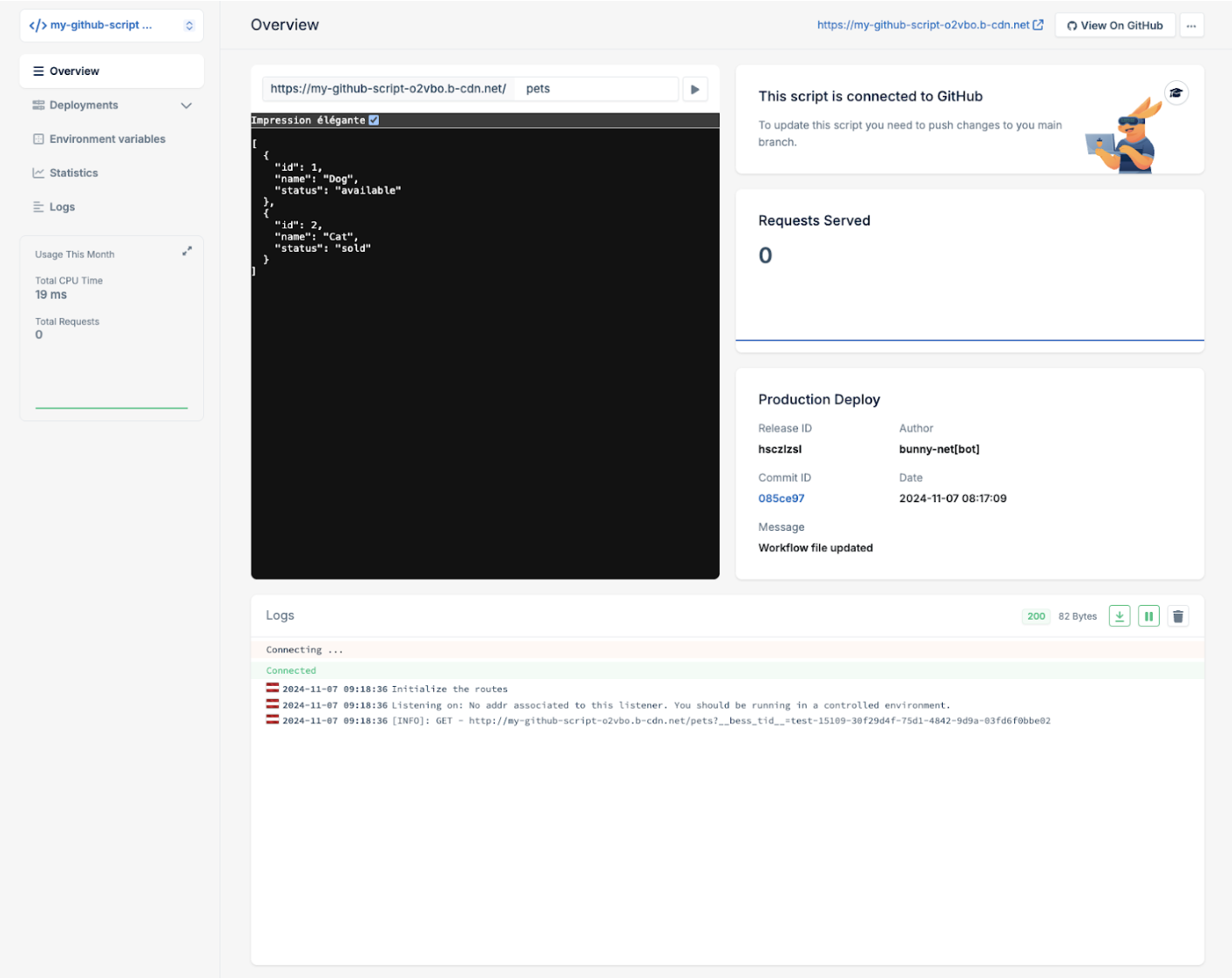
- Your script is now live and ready to be invoked.
The provided templates are starting points for implementing your own application. Use the documentation available within the GitHub repository to learn how to extend it with your application logic, building custom functionality and features as needed.
Using an existing repository
This option is suitable if you already have a project in JavaScript or TypeScript that is ready to be deployed to Edge Scripting. The repository should be compatible with bunny.net’s Edge Scripting, ideally using frameworks like Deno or Node.js. Your existing codebase should also be structured to integrate with the Edge Scripting deployment GitHub action. To integrate with an existing repository, the process is similar to setting up a new repository. Follow the steps outlined in the previous guide (Creating a new repository) up to Step 7. Once you have completed those steps, continue with the instructions below to finalize the integration with your existing repository:- Select Existing Repository.
- Choose a repository from the list of your existing GitHub repositories. If the repository is not listed, ensure that the bunny.net GitHub app has the appropriate permissions.
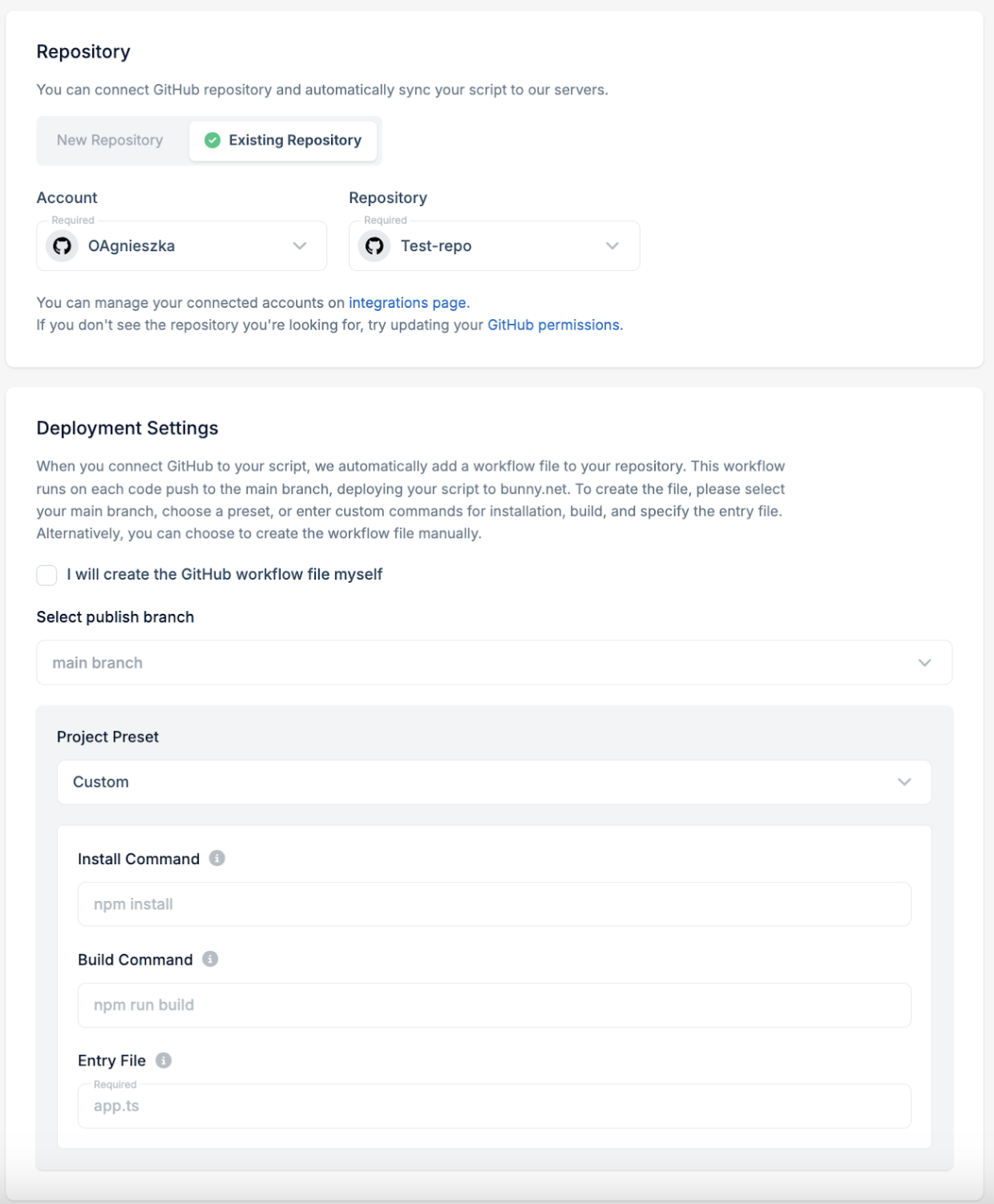
- Next, select a project preset based on the framework used in your project. If needed, adjust the install command, build command, and entry file parameters. A deployment workflow file will be automatically created in your existing repository based on these parameters. If you prefer to create the deployment workflow file yourself, select the I will create the GitHub workflow file myself option.
- Your script is now live and ready to be invoked.