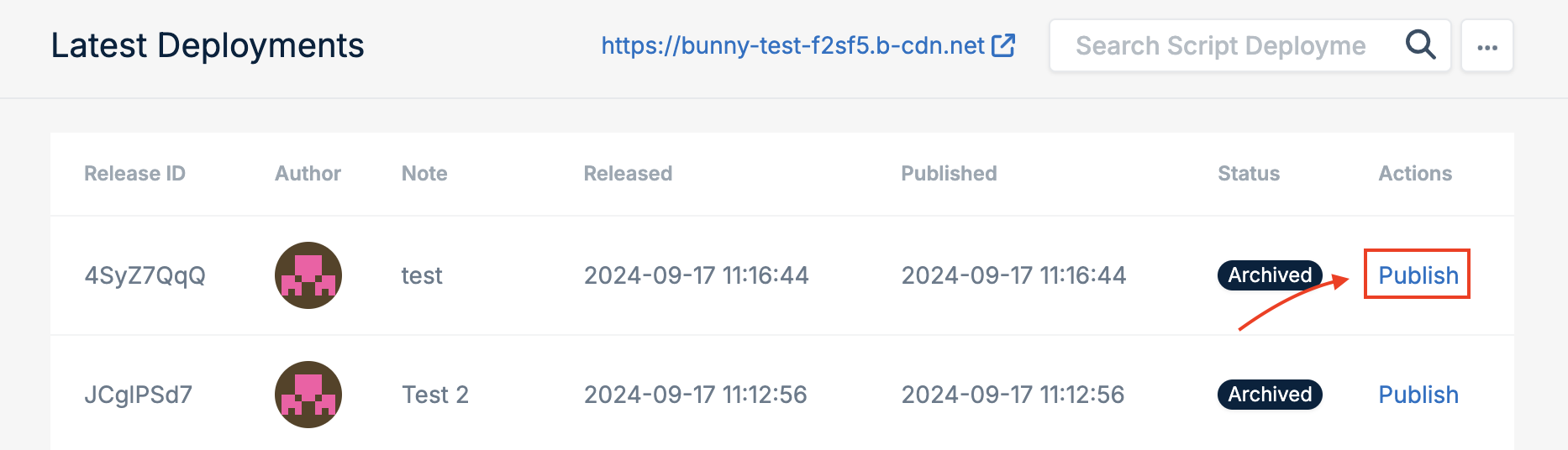
- Maintain a record of modifications and updates.
- Revert to previous versions, if needed.
- Share updates with team members and ensure everyone is aligned.
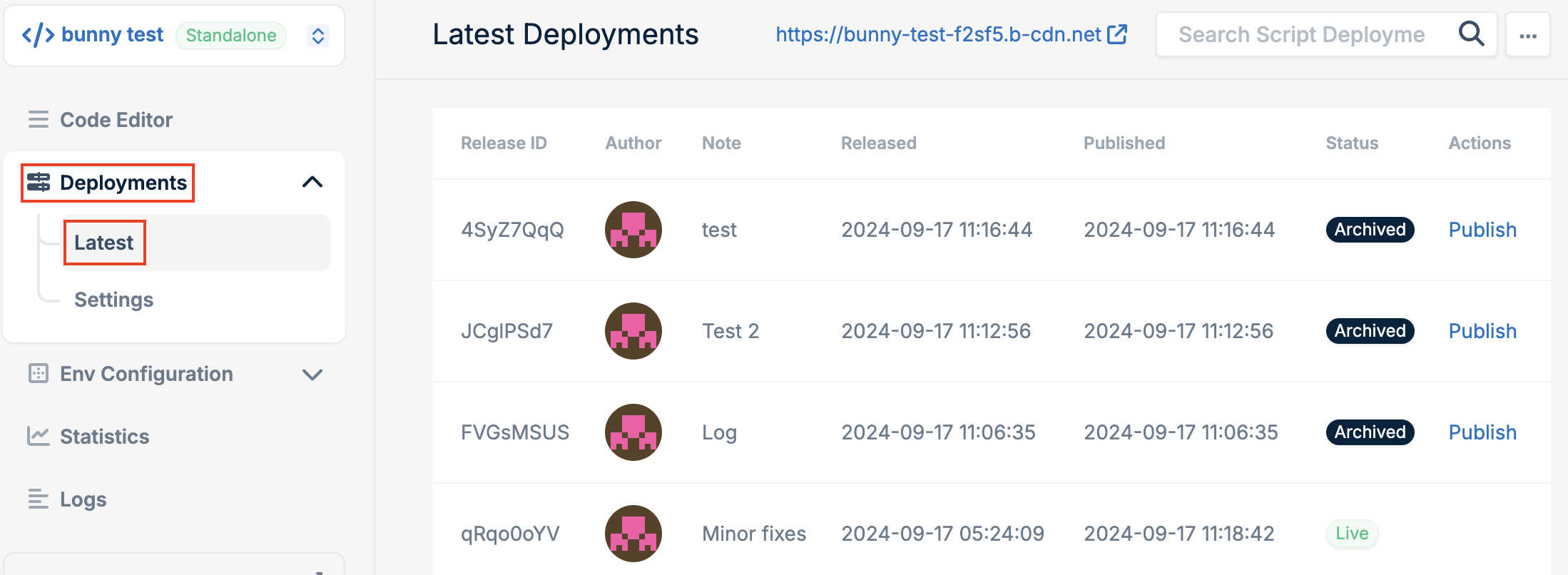
Accessing the deployments view
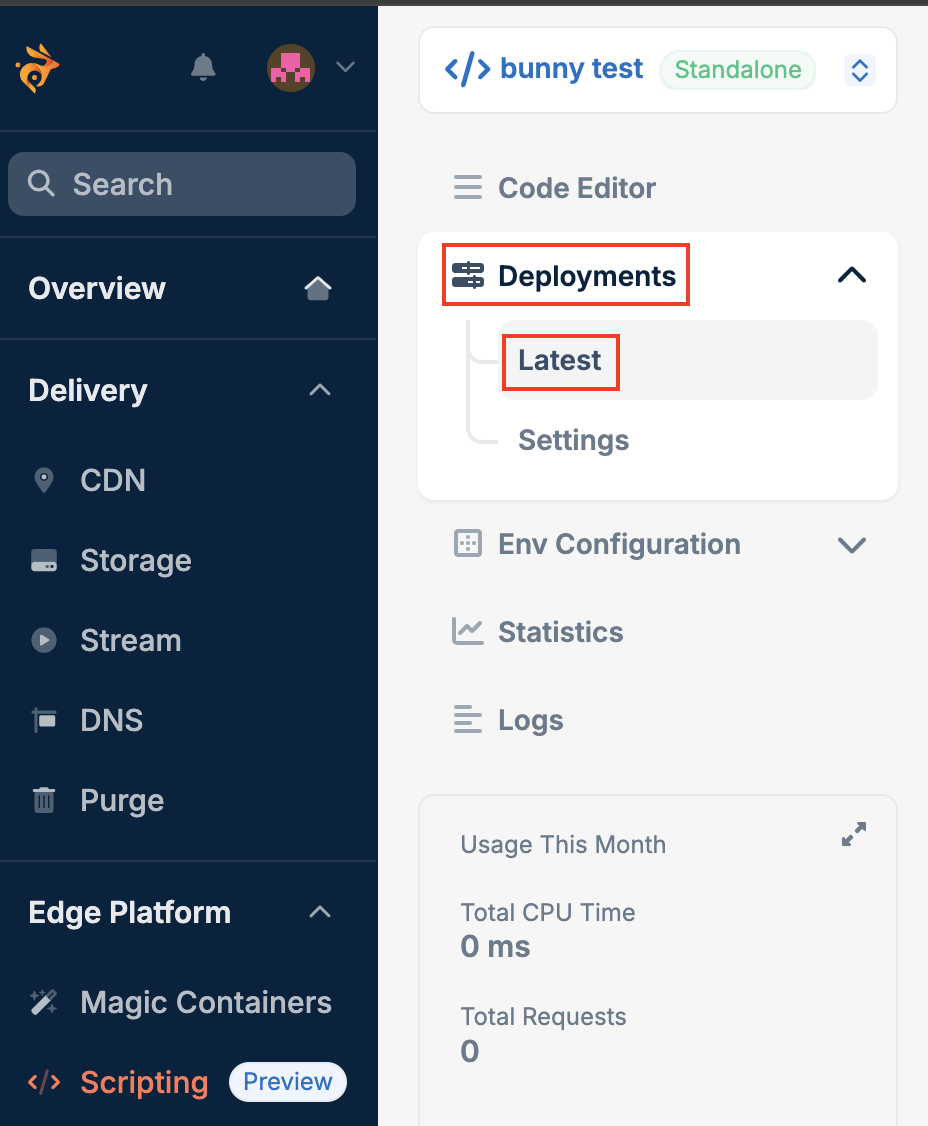
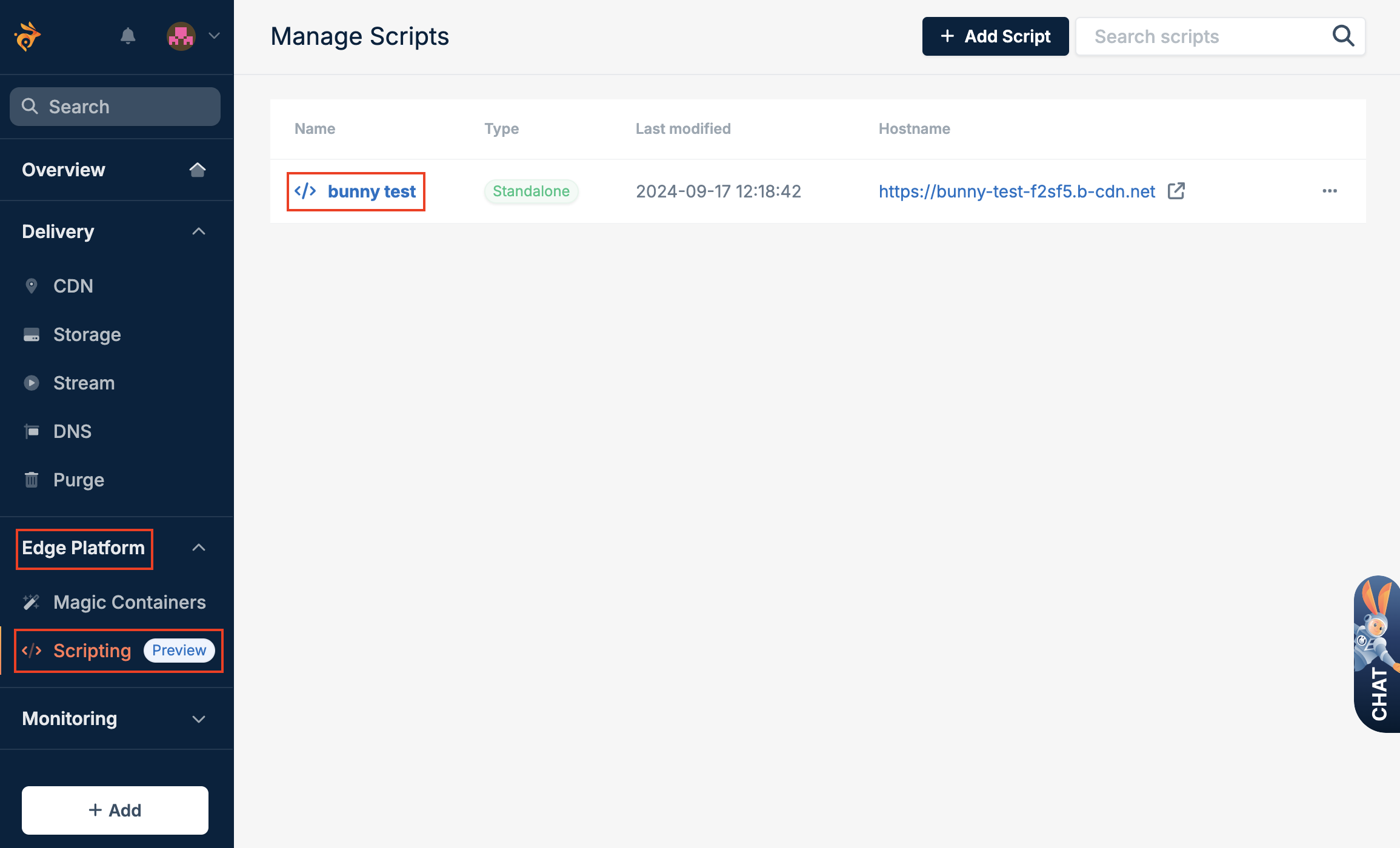
To view your deployments, follow these steps:- Log in to the bunny.net dashboard.
- Select Edge Platform, click on Scripting, and select the script.
- Open the Deployments tab and select Latest.
Publishing previous deployments
If you need to revert to an earlier version, follow these steps:- Open the Deployments tab and select Latest.
-