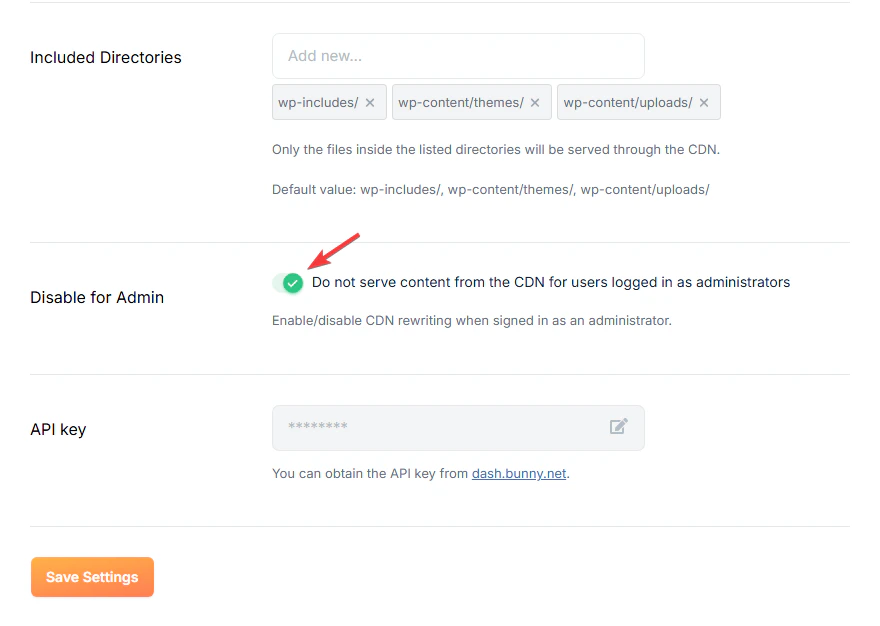
Some WordPress theme builder and page editor plugins can cause issues when used together with the bunny.net plugin (Divi, Elementor, etc.). The plugin includes a Disable for Admin setting to help resolve these conflicts.
Disable CDN for admin users
Open the bunny.net plugin settings in your WordPress admin, click CDN, and enable the Disable for Admin setting at the bottom of the panel. This prevents the plugin from rewriting URLs while you’re logged in as an admin.
CDN Acceleration and plugin conflicts
If you have CDN Acceleration enabled and cannot use the “Disable for Admin” option, here are fixes for common plugins:
Divi Builder
Divi’s layout editor can have backend conflicts with how the CDN handles WordPress API requests. Switch to the default editor to resolve this.
Elementor
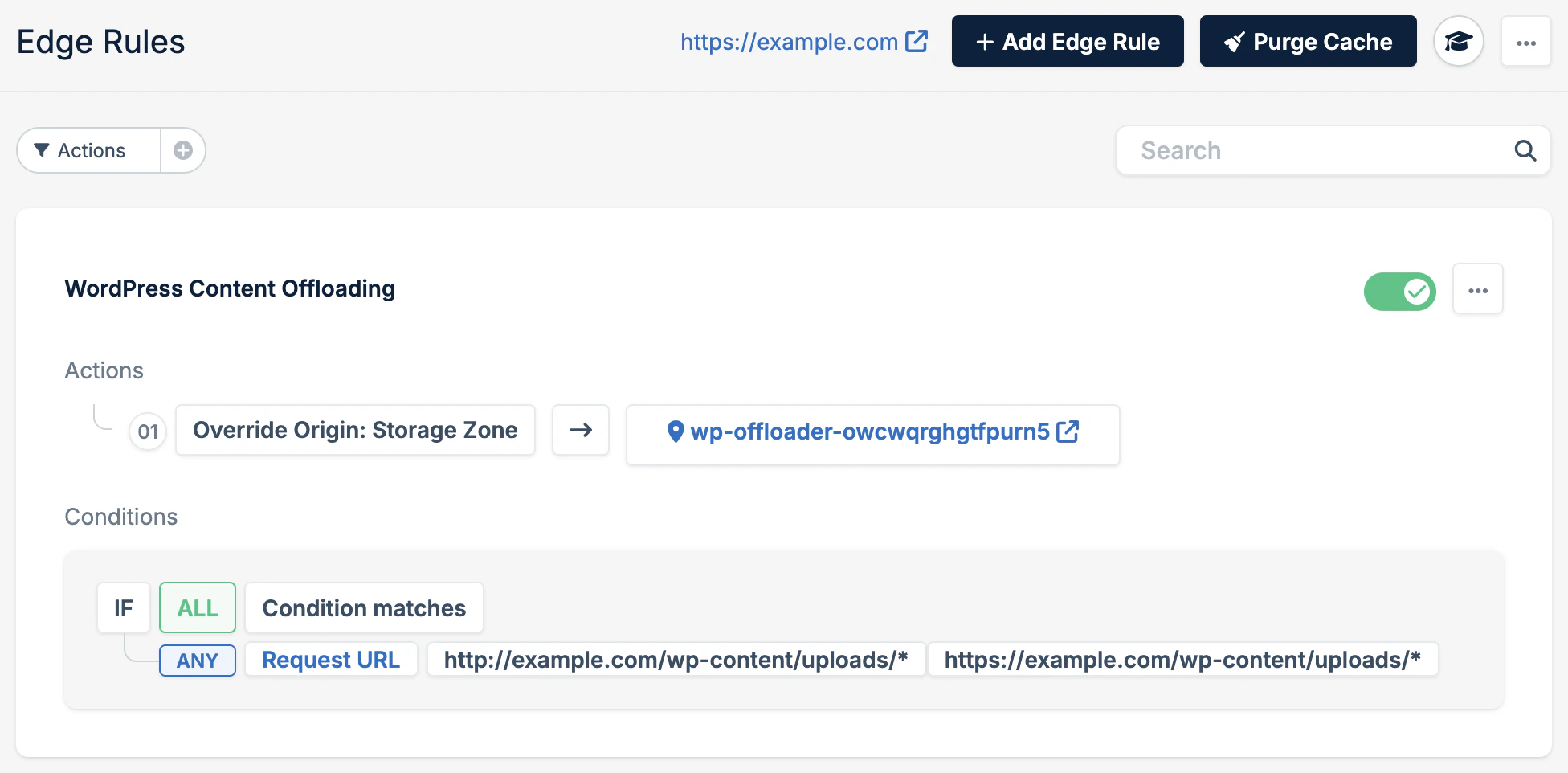
Layout and page update issues with Elementor are typically caching related. Add a cache bypass Edge Rule (0 cache time) for */elementor/* in your Pull Zone settings.
Other plugins
Many plugins rely on REST API requests through WordPress and can encounter compatibility issues. Most commonly, the X-HTTP-Method-Override header is involved. bunny.net does not forward this header by default for security reasons.
If a plugin requires PUT, POST, or DELETE methods via this header, you can create an Edge Rule to handle it. Check the plugin’s documentation for specific requirements. Last modified on April 13, 2026