When your origin stops responding, you shouldn’t have to dig through layers of logs or guess whether it’s DNS, timeouts, or misconfiguration.
Origin Errors Monitoring gives you full visibility into failed origin requests, directly in the dashboard or via API.
Available for all users at no extra cost.
Status Codes
Error Codes
- http_request_exception
- http_invalid_range
- http_request_failure
- http_timeout — request exceeded the 60-second CDN request timeout
- http_loop_detected
- http_invalid_compression
- network_socket_exception
- network_io_error
- dns_lookup
- notfound_localdb
- error
Dashboard
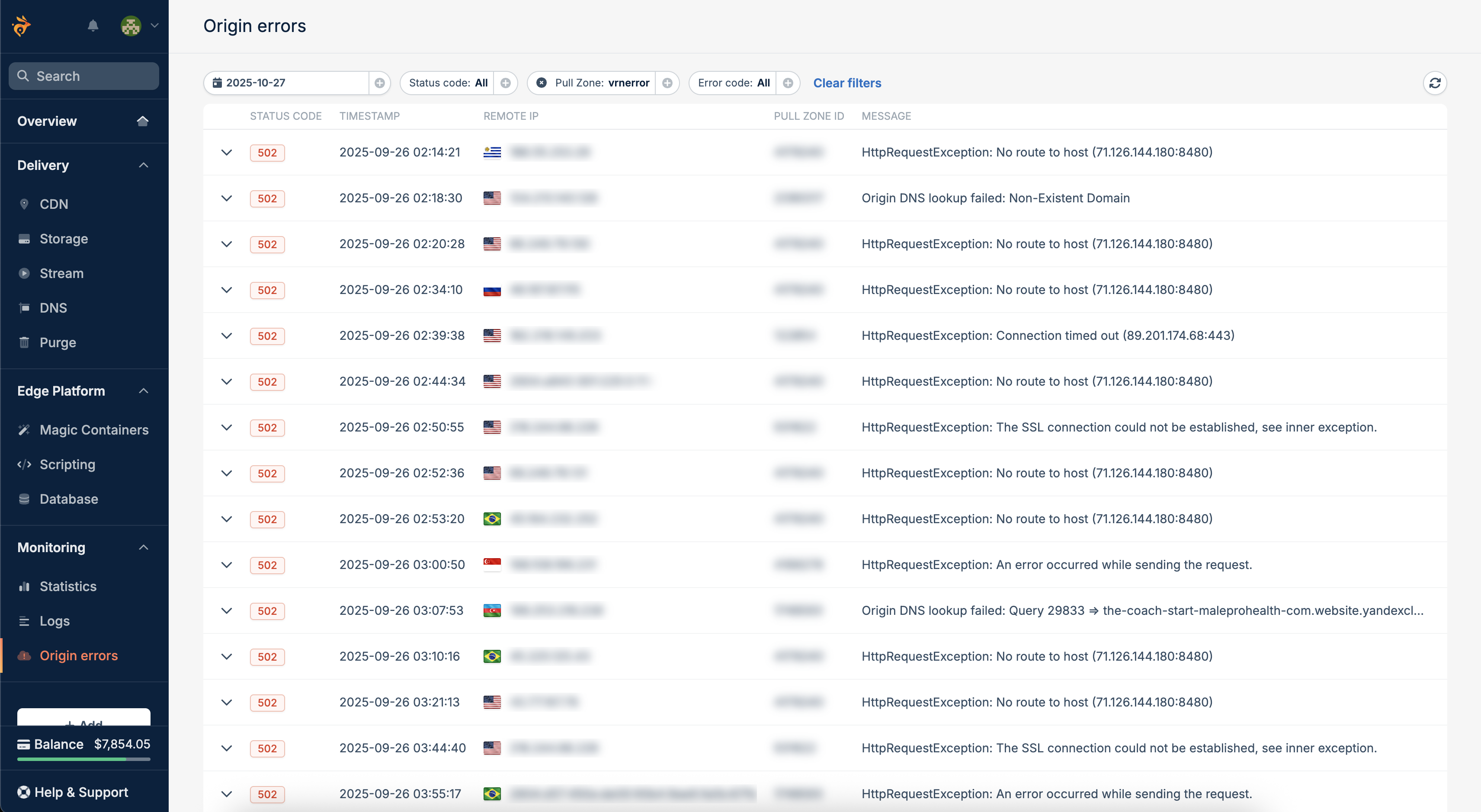
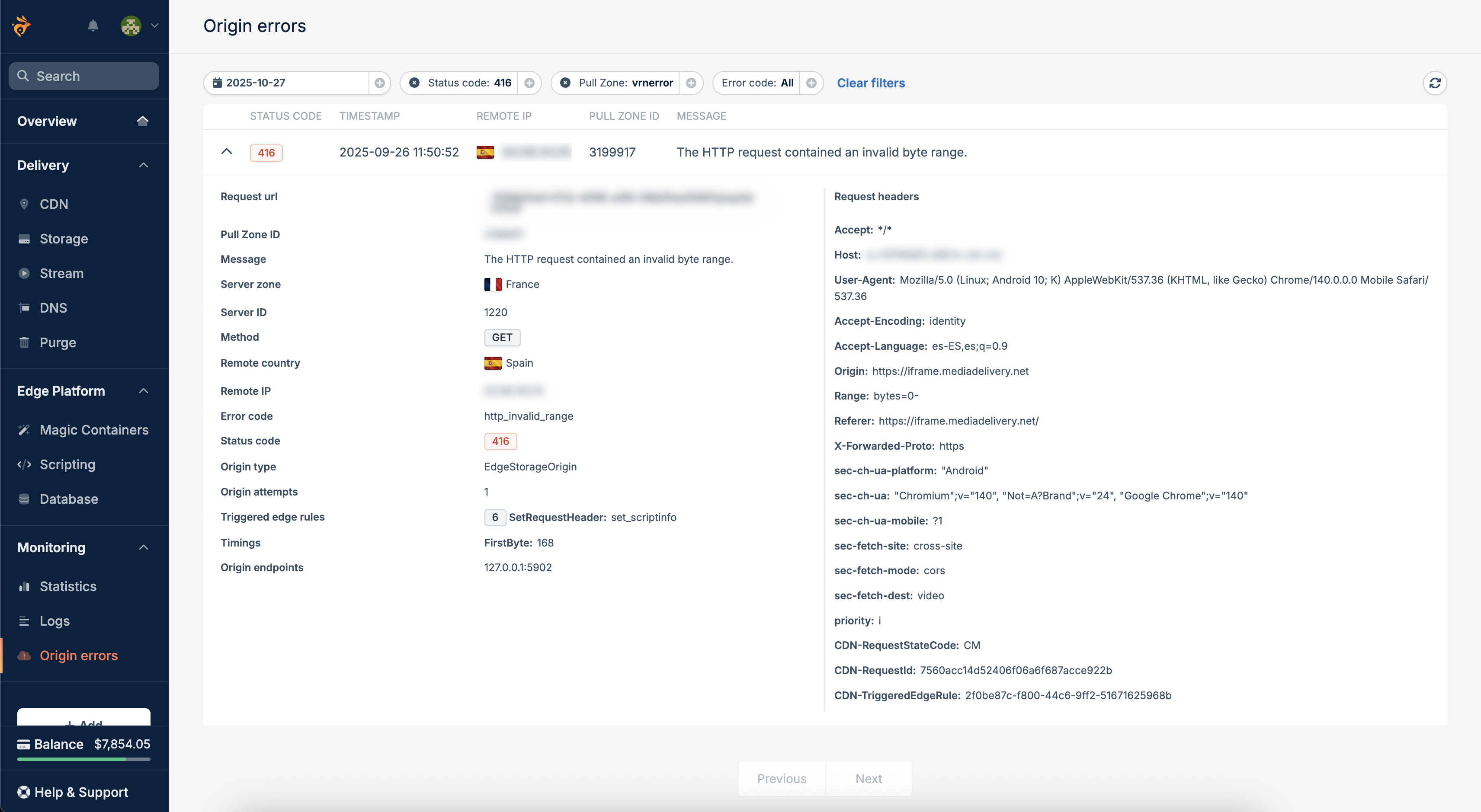
Browse and filter origin errors under Monitoring → Origin Errors to quickly identify where and why failures occurred. Each entry includes timestamp, edge region, pull zone ID, error type, and status code, helping you isolate the issue instantly.
API Access
Access the same data programmatically to integrate with your monitoring or alerting systems.
Endpoint: GET https://cdn-origin-logging.bunny.net/{pullZoneId}/{dateTime:MM-dd-yyyy}
Example Response:
Authenticate with your API key AccessKey or user JWT Authorization, and query by Pull Zone ID and date to retrieve recent origin error events. Last modified on March 16, 2026

