

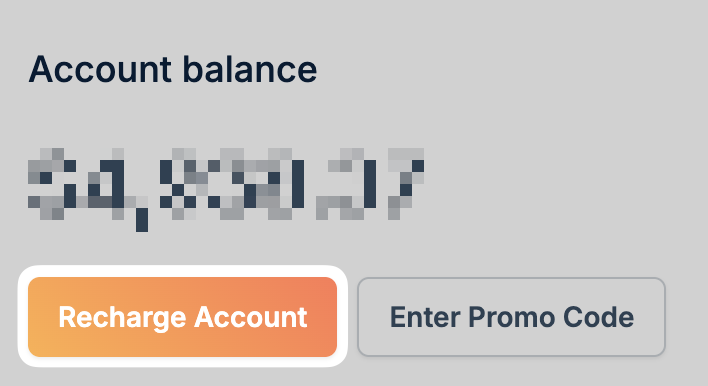
Adding funds
Go to Billing
Navigate to Billing in your
dashboard.
Choose the amount
Select an amount: $10, $25, $50, $100, $250, $500, $1000, $2000, or
enter a custom amount.
Accepted payment methods
We accept the following payment methods with no extra fees:- PayPal
- Visa
- Mastercard
- American Express
- Discover
- JCB
- Diner’s Club
- Bitcoin
- Apple Pay
Your credit card information is never sent to bunny.net. Payment details are
securely stored by Braintree.
Applying a promo code
If you have a promo code, click Enter Promo Code on the Billing page, enter your code, and click Apply Code.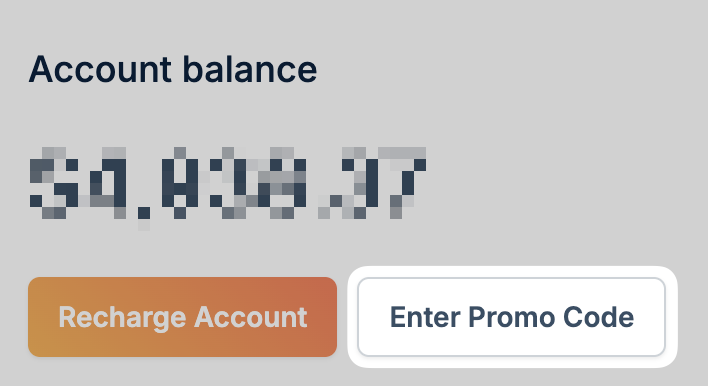
How billing works
Traffic billing
You are charged for each outbound byte transferred from the bunny.net network. Incoming traffic from your server to our network is free. If a 1GB video is viewed 100 times, you are charged for 100GB. Partial downloads are only charged for the bytes transferred.Storage billing
Storage is charged based on usage in the past period, usually less than 24 hours. Data that is uploaded and deleted within this period is only charged for that time, not the whole month.Minimum monthly usage
Your credits never expire. Note that trial credits are an exception: they are removed at the end of your trial period and any unused balance is not carried over. However, there is a $1 minimum monthly usage while you have active zones on your account. If your usage is below $1, it will be rounded up to $1 for that month. This applies to the entire account, not per zone.Minimum account balance
You need to maintain a positive balance to keep your services online. If your balance drops low, you’ll receive warning emails. If your account is not recharged, your account will be suspended and your pull zones disabled. Data in storage zones will be deleted after a few days without backup.To avoid interruptions, consider enabling
Auto-Recharge to automatically add funds when your
balance gets low.