

1
Go to the Access page
Navigate to Dashboard > Edge Platform > Database > [Select Database] > Access.
2
Generate tokens
Click Generate Tokens to create new access credentials for your database.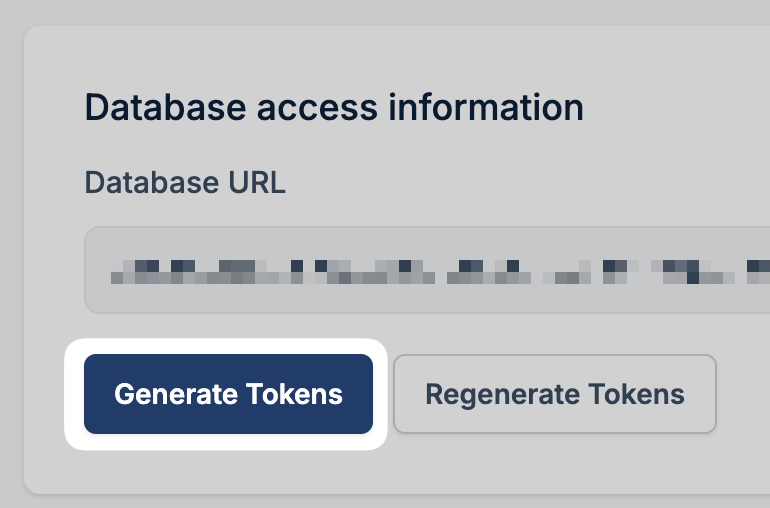
3
Add to script
Once the tokens are generated, click Add Secrets to Edge Script.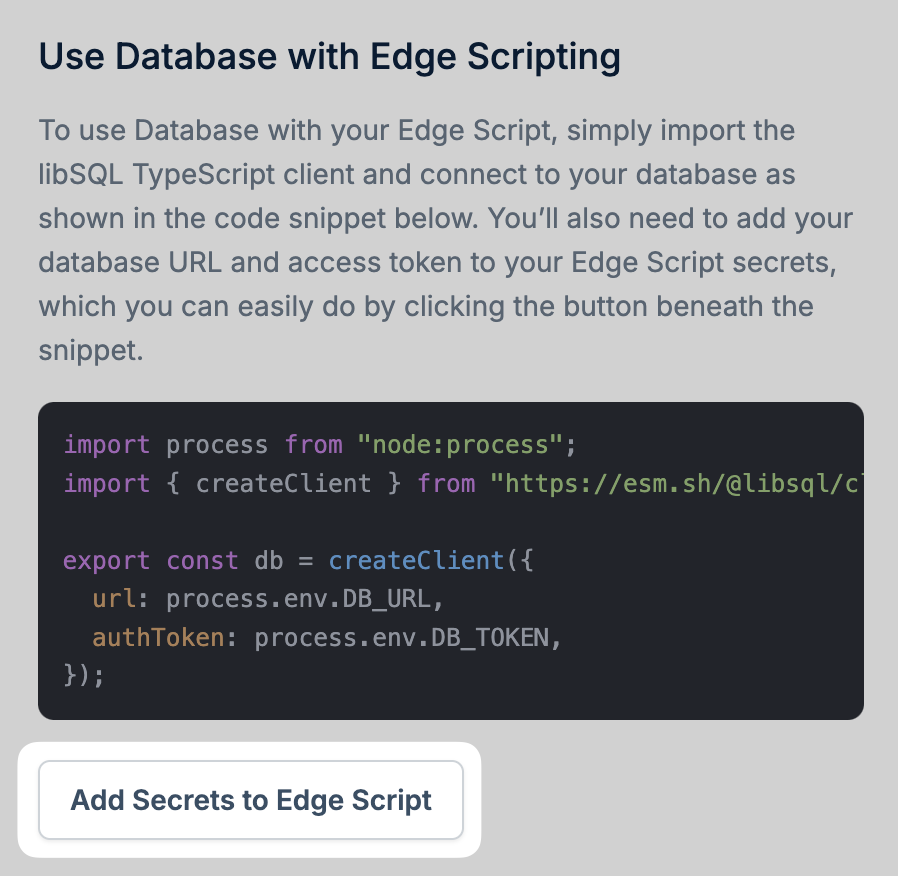
4
Select your script
Choose the Edge Script you want to connect to your database.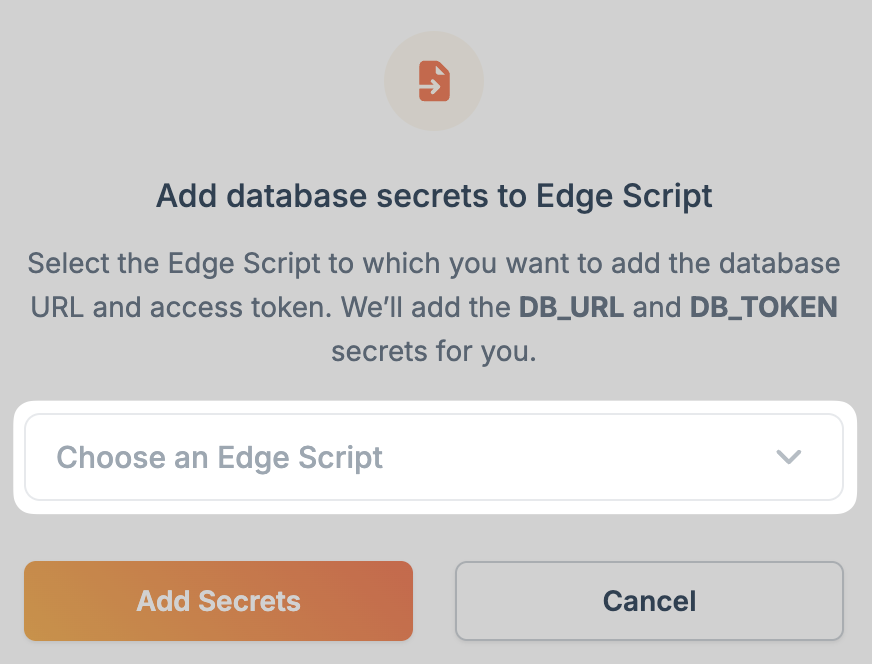
5
Access the environment variables
The database URL and access token are now available as environment variables in your script. Use them to connect to your database: