

Documentation Index
Fetch the complete documentation index at: https://docs.bunny.net/llms.txt
Use this file to discover all available pages before exploring further.
Go to your Pull Zone
- From your Bunny dashboard, go to the left-hand navigation menu
- Click on CDN
- Select an existing pull zone or create a new one
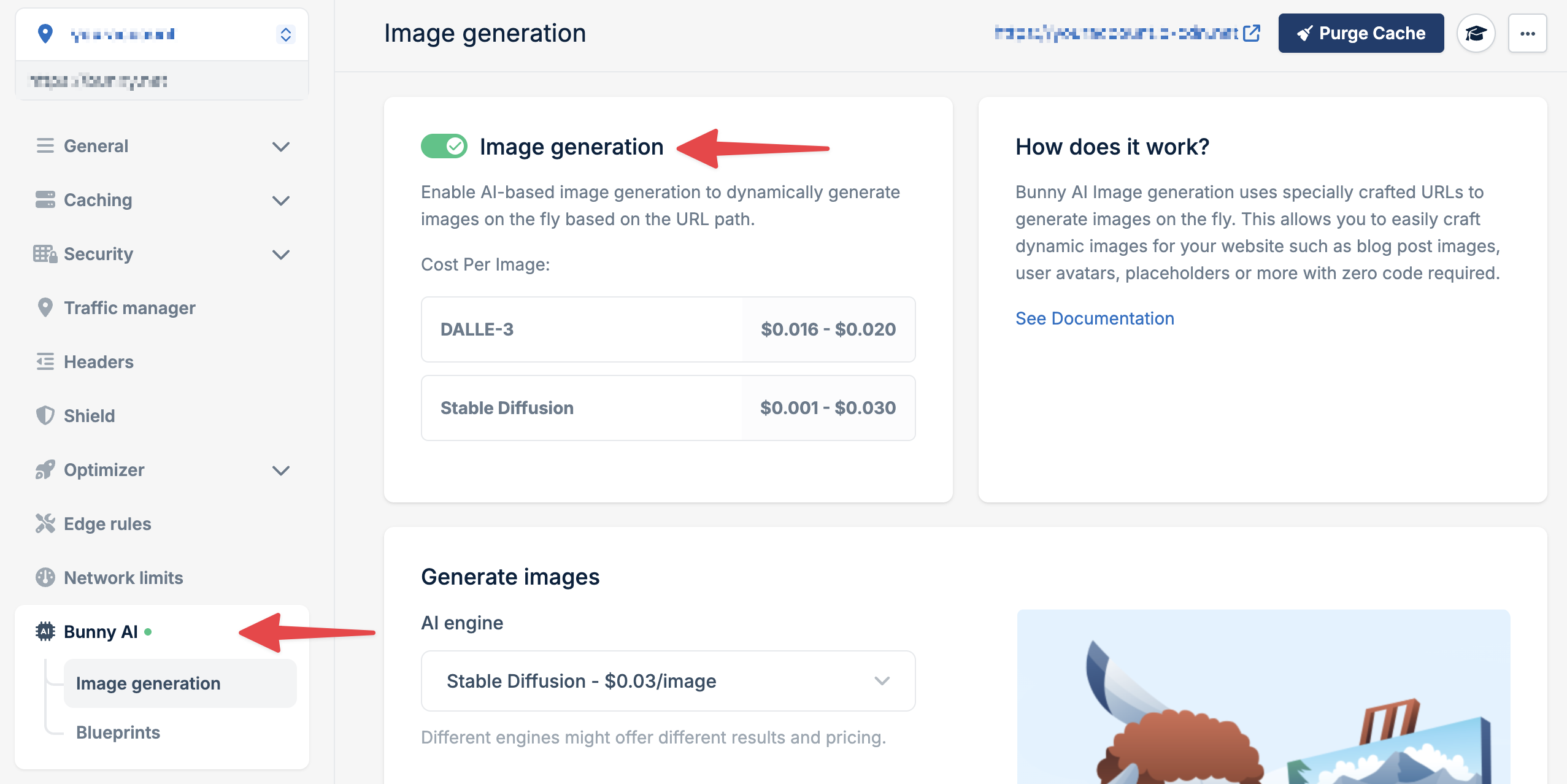
Enable AI Image Generation
- In your pull zone settings, navigate to Optimizer
- Scroll to Bunny AI Image Generation
- Toggle the feature to Enabled
- Click Save
Generate your first image
Construct a URL using this structure:Example:
The first request processes the generation (5-30 seconds depending on engine). Subsequent requests are served instantly from cache.
| Parameter | Description |
|---|---|
engine-name | The AI model to use (e.g., dalle-256, sd21-512) |
blueprint | Prompt template for styling (use default for none) |
seed | Numeric value for consistent results |
prompt | Text description with hyphens as spaces |
Authentication is handled automatically while using Image Generation inside
the dashboard.
Try different engines
Experiment with different AI models:
- DALL-E 2
- Stable Diffusion
Best for creative and abstract interpretations:Available sizes:
dalle-256, dalle-512, dalle-1024