> ## Documentation Index
> Fetch the complete documentation index at: https://docs.bunny.net/llms.txt
> Use this file to discover all available pages before exploring further.
# Billing History & Invoices
> View past transactions and download invoices and usage summaries.
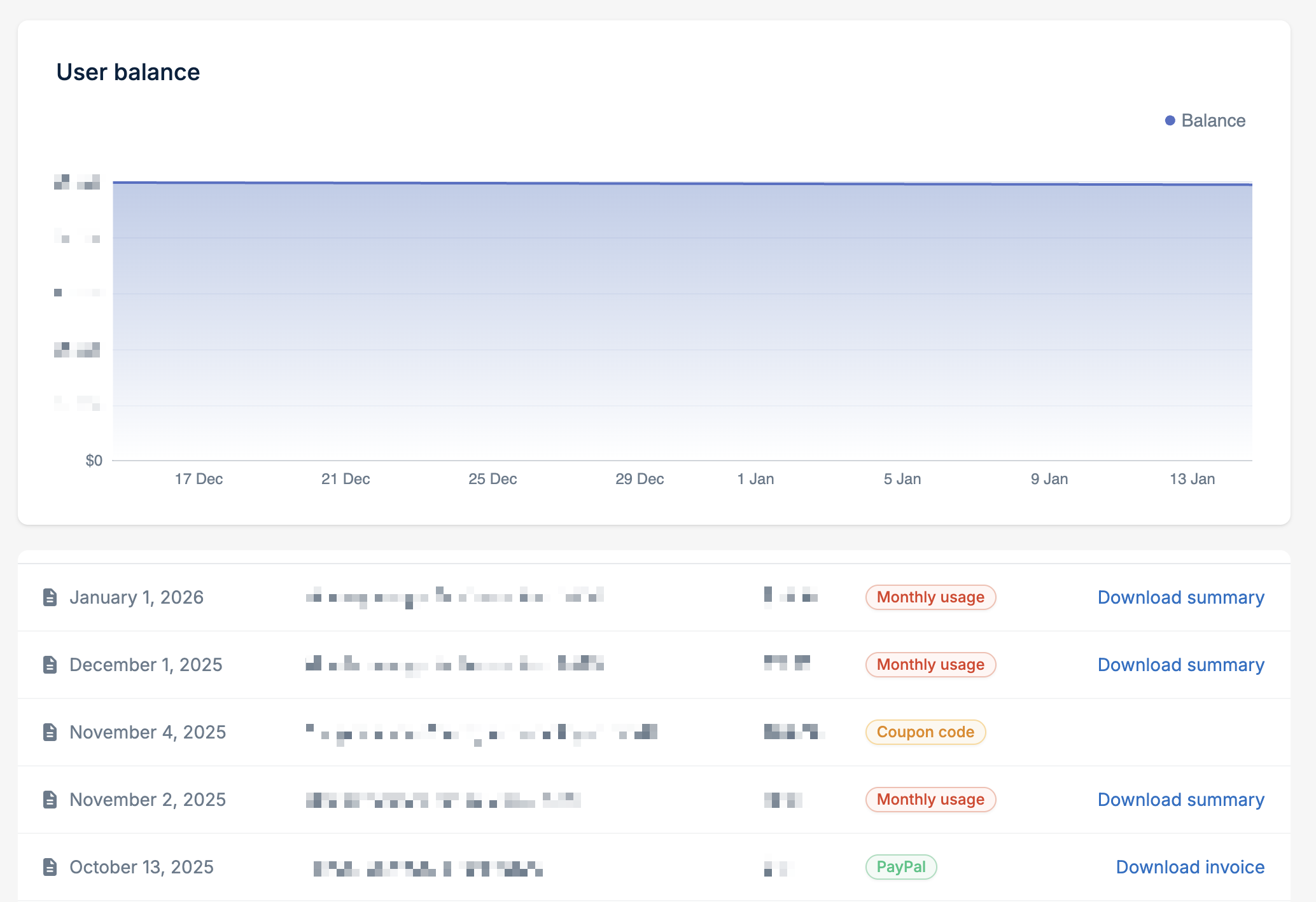
The [Billing History](https://dash.bunny.net/account/billing-history) page shows all your account transactions, including monthly usage, payments, and applied promo codes.
 ## What you'll see
The billing history displays:
* **Date** of the transaction
* **Description** of the charge or credit
* **Amount**
* **Type** (Monthly usage, PayPal, Coupon code, etc.)
A chart at the top shows your account balance over time.
## Downloading invoices
For payments made via PayPal or card, click **Download invoice** to get a PDF invoice for your records.
## Downloading usage summaries
For monthly usage entries, click **Download summary** to get a detailed breakdown of your charges for that period.
The usage summary includes:
* Your billing details
* Starting and ending balance
* Total activity, credits, payments, and refunds
* Itemized usage by service (traffic by region, storage, scripting, etc.)
Usage summaries are not invoices. They are a detailed breakdown of billing
activity for the stated period.
## What you'll see
The billing history displays:
* **Date** of the transaction
* **Description** of the charge or credit
* **Amount**
* **Type** (Monthly usage, PayPal, Coupon code, etc.)
A chart at the top shows your account balance over time.
## Downloading invoices
For payments made via PayPal or card, click **Download invoice** to get a PDF invoice for your records.
## Downloading usage summaries
For monthly usage entries, click **Download summary** to get a detailed breakdown of your charges for that period.
The usage summary includes:
* Your billing details
* Starting and ending balance
* Total activity, credits, payments, and refunds
* Itemized usage by service (traffic by region, storage, scripting, etc.)
Usage summaries are not invoices. They are a detailed breakdown of billing
activity for the stated period.