> ## Documentation Index
> Fetch the complete documentation index at: https://docs.bunny.net/llms.txt
> Use this file to discover all available pages before exploring further.
# Close Account
> How to close your bunny.net account.
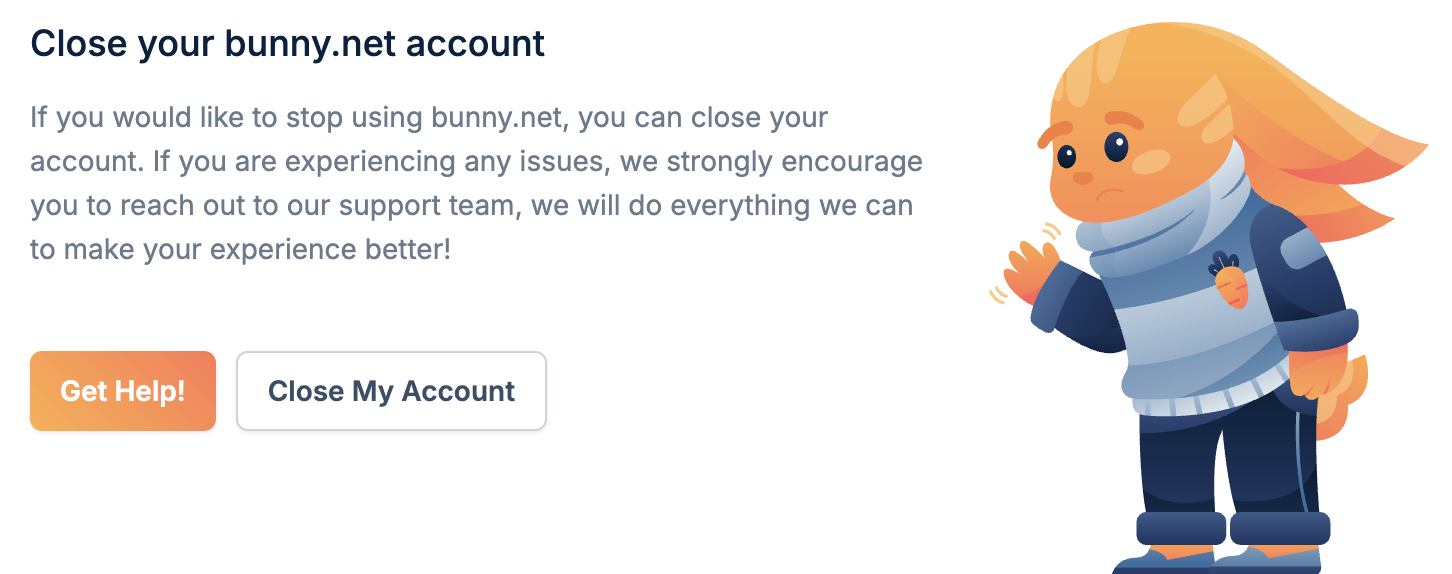
If you'd like to stop using bunny.net, you can close your account from the [Account Settings](https://dash.bunny.net/account/settings) page, or go directly to the [Close Account](https://dash.bunny.net/account/settings/close) page.
Thinking about leaving? We'd love to hear from you first. We actively listen
to feedback and build what our users need to scale. If something's missing for
you, there's a good chance we're already working on it. [Get in
touch](https://bunny.net/contact) before you go.
## Before closing your account
Closing your account is permanent and cannot be reversed. All your data will
be deleted and your account balance cannot be refunded.
Before proceeding:
* Delete all your Pull Zones and Storage Zones
* Download any files you want to keep
* Export any data or configurations you may need
## Close your account
Navigate to [Account Settings](https://dash.bunny.net/account/settings) and
click **Close My Account**, or go directly to the [Close
Account](https://dash.bunny.net/account/settings/close) page.
 Select a reason for closing your account. This feedback helps us improve the
service.
Click **Close My Account Forever** to complete the account closure.
Select a reason for closing your account. This feedback helps us improve the
service.
Click **Close My Account Forever** to complete the account closure.