> ## Documentation Index
> Fetch the complete documentation index at: https://docs.bunny.net/llms.txt
> Use this file to discover all available pages before exploring further.
# Personal Details
> Manage your personal details, billing address, and company information.
The [Account Settings](https://dash.bunny.net/account/settings) page lets you manage your personal information, billing address, and company details.
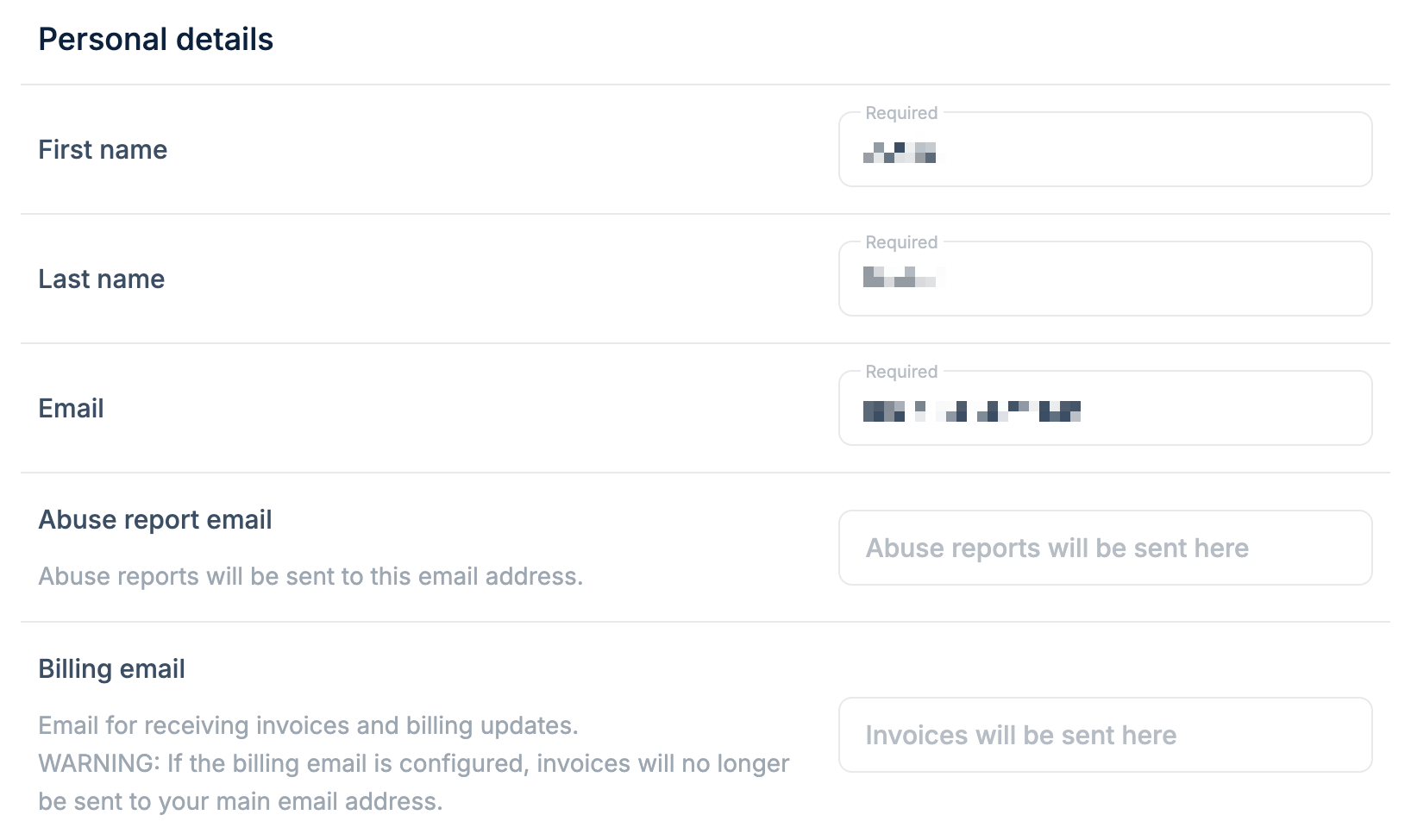
## Personal details
Update your basic account information:
* **First name** (required)
* **Last name** (required)
* **Email** (required) - Your primary login email
* **Abuse report email** - Separate email for receiving abuse reports
* **Billing email** - Separate email for invoices and billing updates
If you configure a billing email, invoices will only be sent to that address
and no longer to your main email.
 ## Billing address
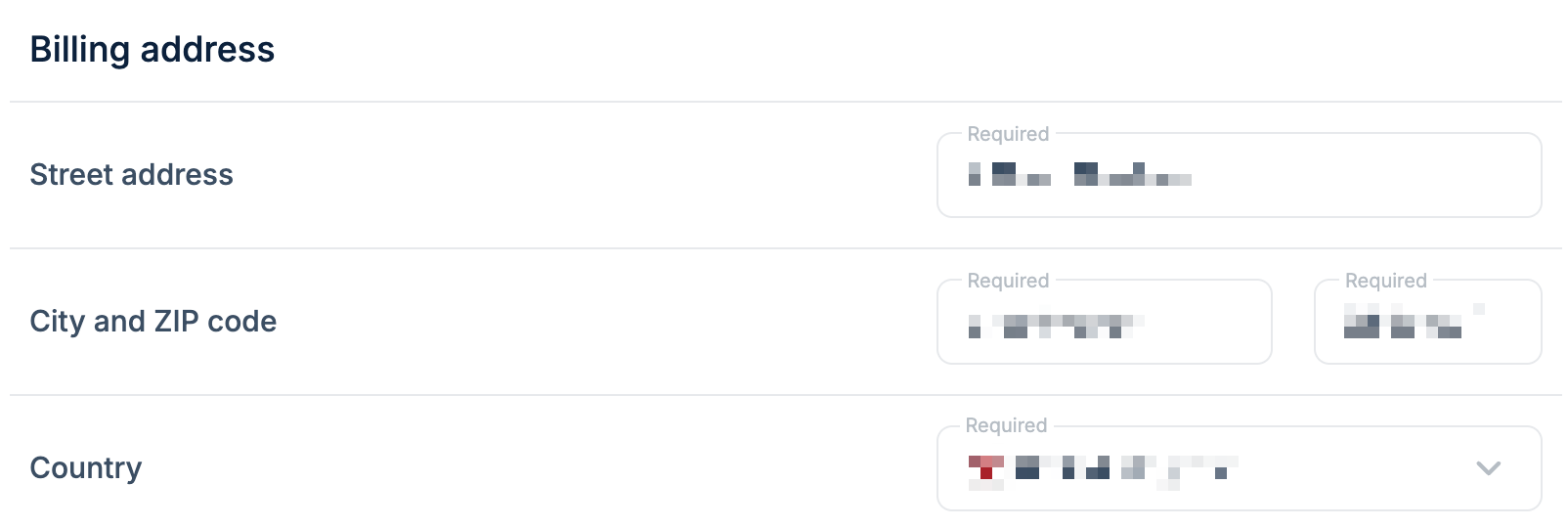
Your billing address appears on invoices. All fields are required:
* **Street address**
* **City**
* **ZIP code**
* **Country**
## Billing address
Your billing address appears on invoices. All fields are required:
* **Street address**
* **City**
* **ZIP code**
* **Country**
 ## Company
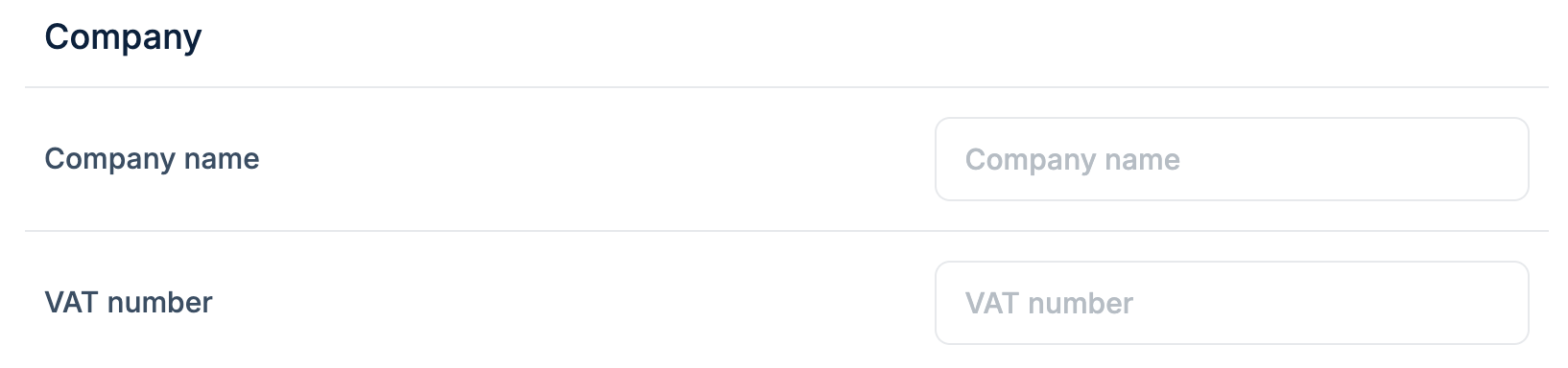
Optional fields for business accounts:
* **Company name** - Appears on invoices
* **VAT number** - For EU VAT-registered businesses
## Company
Optional fields for business accounts:
* **Company name** - Appears on invoices
* **VAT number** - For EU VAT-registered businesses
 After making changes, click **Update Account Details** to save.